PixelBin logo
Image generator is here -   Create Now   and Claim 30% off on Pro Plans. Use code SALE30 at checkout.   Claim Discount

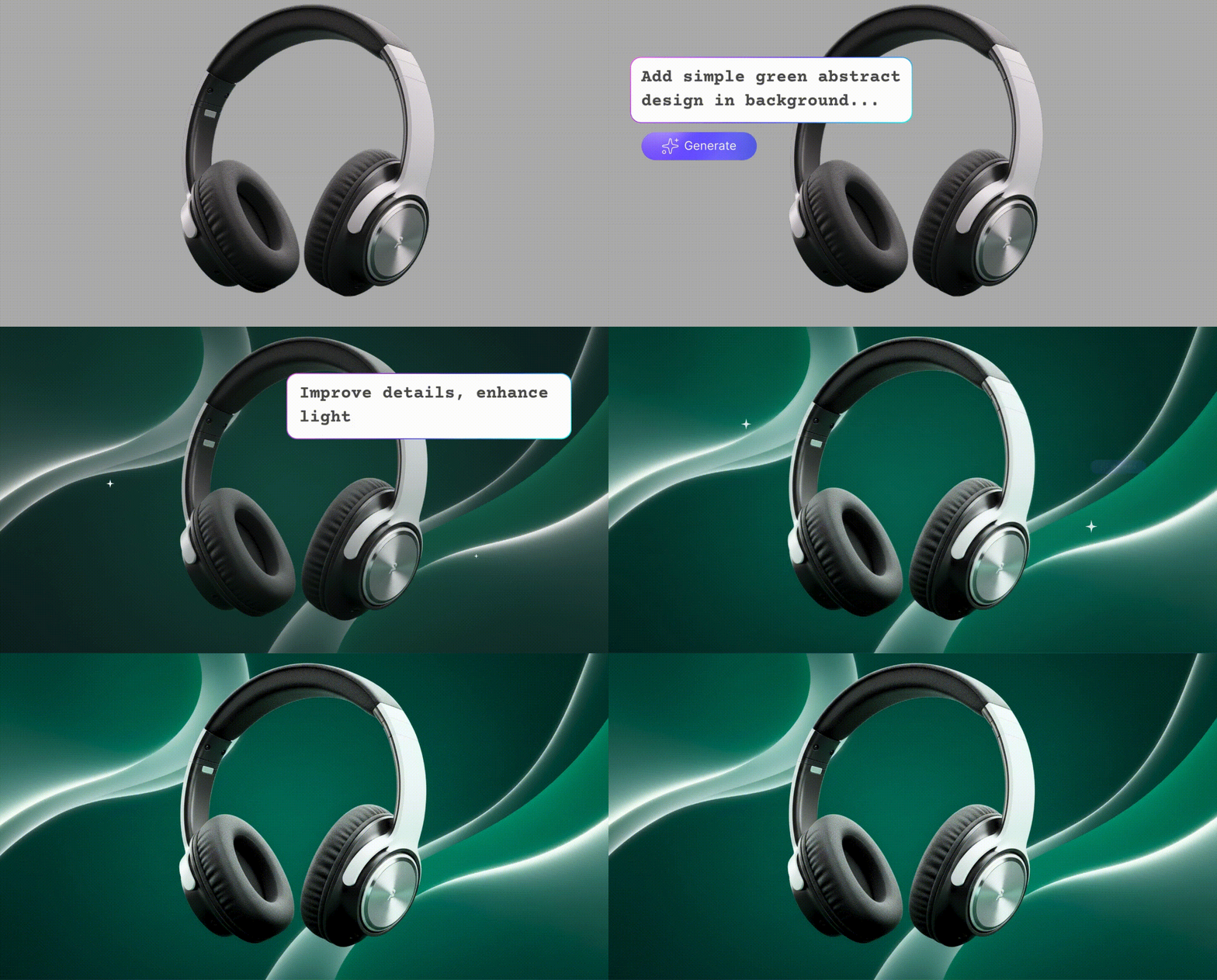
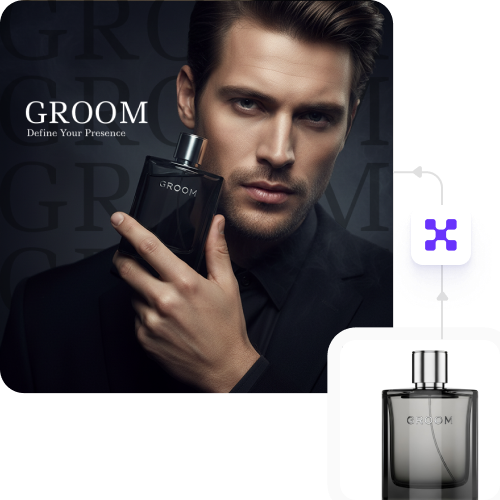
Get ready-to-post marketing creatives with AI in seconds

Create and fix your brand images in seconds with AI for all your ads and social posts.

Uploaded image
2500 chars left
Max file size 10 MB.
Loading

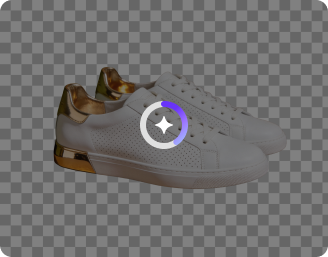
AI Magic in progress
Enhancing clarity, improving lighting, refining colors, and preparing a professional marketing-ready visual

Ready

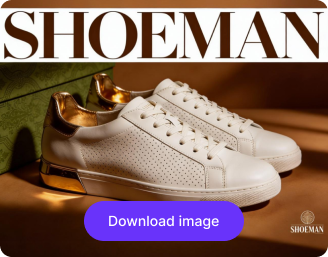
Your enhanced marketing creative is ready!

Explore enterprise
For bulk processing, APIs, or custom workflows and volume discounts
Edit another product
Generation Failed

There was some issue on our end. Please try again.

Try Again
Show case

How to use Pixelbin’s free AI photo editor?

1
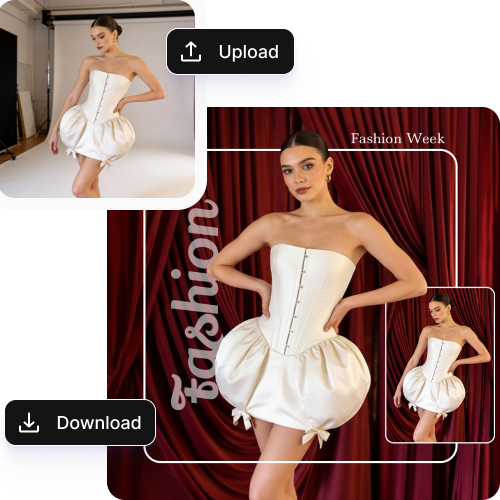
Upload the image
Insert your image in any of the supported file formats: JPG, JPEG, or PNG.
2
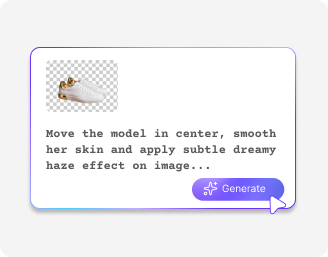
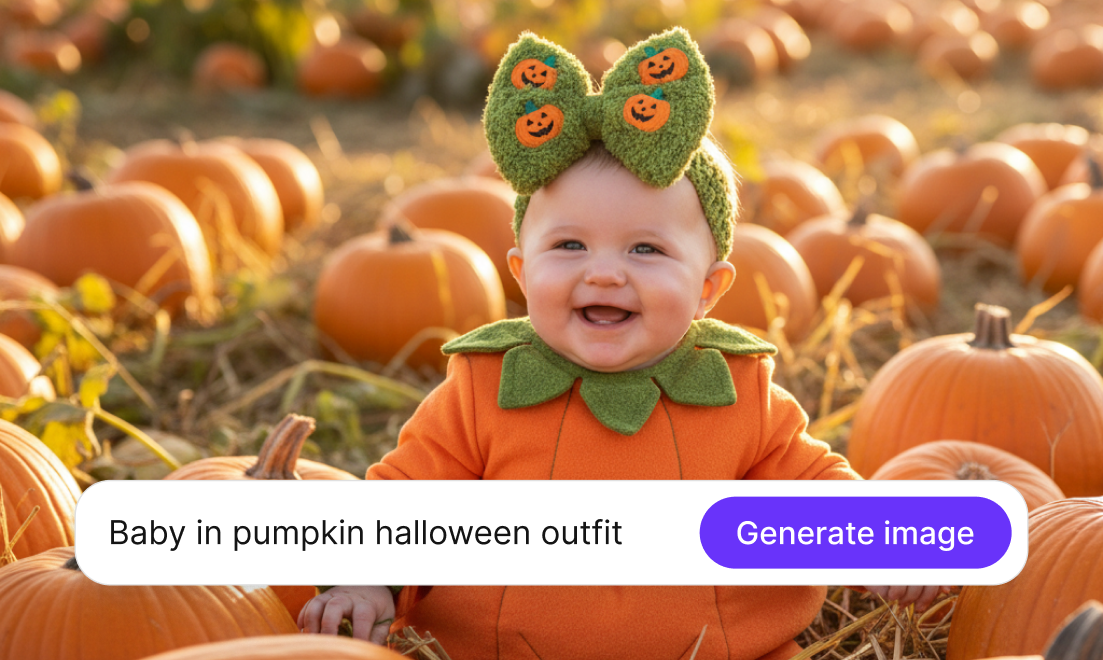
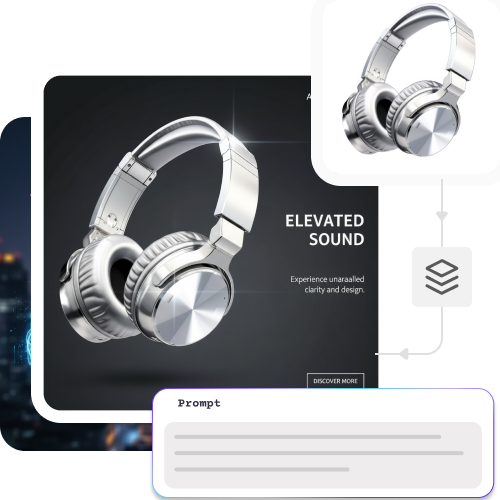
Enter the prompt
In the prompt box, describe how you want your image to look. Use simple words & sentences for the best results.
3
Download the image
Once your image is generated, you can preview & download it for free, without watermarks.

Why use Pixelbin’s online AI image editor for marketing creatives?

One-click result
Create ready-to-use creative versions in seconds with fast processing.
Download HD images
Export high-quality images that are ready for social media, ads, and online stores.
No designing skills needed
Create professional marketing images even if you have no design experience.
Supports multiple formats
Upload and download images in JPG, JPEG, PNG, WEBP, and AVIF formats.
Free trial
Try the tool with three free credits, and no sign-up is required.
Safeguards privacy
Keep your brand images safe with secure processing and private data handling.

Create and edit campaign posters in seconds

Enhance every visual with AI in one click and launch campaigns faster without design bottlenecks.

Online web-based platform

Access Pixelbin easily from anywhere through your browser, with no app or software downloads required.

Feature 1
No sign-up needed

Get your first three images with Pixelbin without having to sign up.

Feature 2
Bulk editing

Process multiple marketing creatives at once to push campaigns live faster.
Feature 3
No watermarks

Download clean and professional creatives ready for ads, banners, and social media with no watermarks.
Feature 4

AI tools by Pixelbin

Key highlights of Pixelbin’s AI image editor for marketing creatives

With Pixelbin, edit and generate polished, campaign-ready visuals without any design expertise. Here is how it helps:

  • Zero learning curve: A simple AI-powered editor that lets marketers edit visuals instantly; no design skills needed.
  • Budget-friendly: Get professional filters and tools without paying for expensive software. It is the best AI image editor for marketing creatives on a budget.
  • Watermark-free downloads: Export clean, high-quality marketing images ready for ads, websites, and social media.
  • Bulk editing support: Fix many images at once to launch your ads faster. This powerful AI photo editor helps you handle large projects in no time.
  • Browser-based performance: This AI image editor for marketing creatives works right in your browser. It stays fast and doesn't clutter your computer with big files.
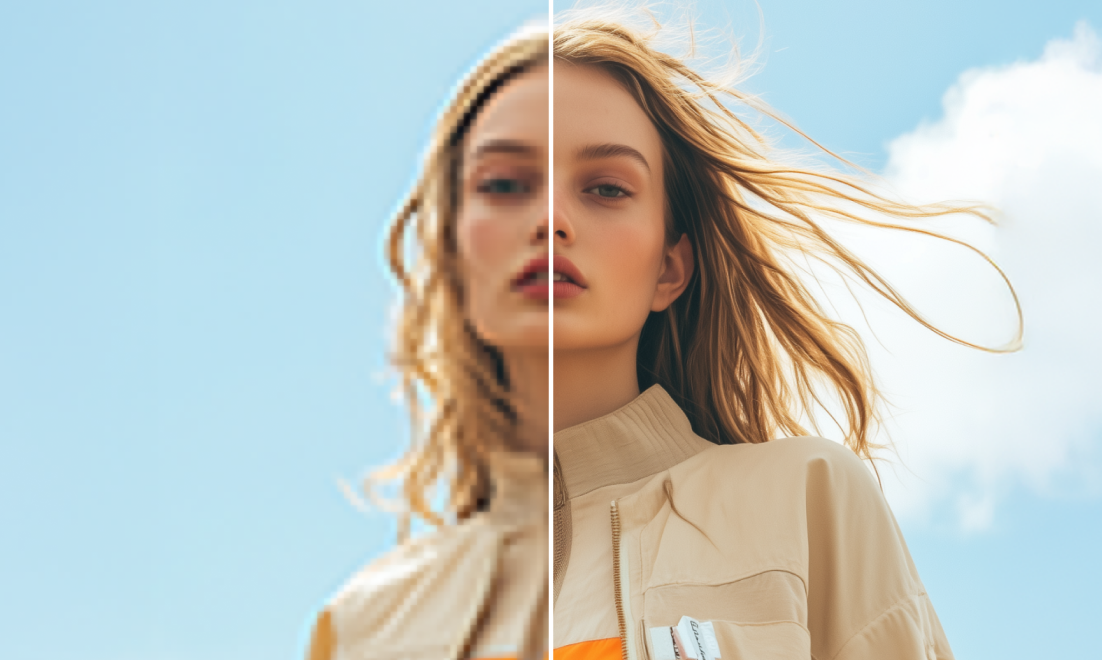
  • No quality loss in images: Our AI photo editor keeps images sharp and clear after editing, maintaining the original quality.

Use cases of the best AI image editor for marketing creatives

1. Create better ad images

Improve your ad photos by fixing colors and brightness in one click. Our AI photo editor makes your products look great for any campaign.

2. Design social media posts faster

Make eye-catching images for Instagram, LinkedIn, X, and Facebook in seconds. It is the best AI image editor for marketing creatives who need to post every day.

3. Improve website images

Enhance banners, hero images, and page visuals to make your website look more professional.

4. Make email images look clean

Edit images for newsletters and promo emails so they look sharp on all devices.

5. Prepare images for campaigns

Quickly polish your photos for sales and product launches without needing a designer. This AI photo editor handles the hard work for you.

6. Edit many images at once

Fix all your marketing photos at the same time to save hours of work. It is the perfect AI image editor for marketing creatives with large projects.

How to get the best result from an online AI photo editor?

  • Use clear, high-quality images to get sharp and natural results.
  • Keep the background clean so the main subject gets more attention.
  • Use colors and styles that match your brand's look.
  • Check the edited image before downloading to make sure it fits your campaign.
  • For big campaigns, use bulk editing to keep all images consistent.
  • Download images in the correct size and format for each platform.

FAQs

Here are some of the most common questions about our AI photo editor tool. If you can’t find the information you need, contact us at support@pixelbin.io or refer to our documentation for more details.

Yes. We offer a version of our AI image editor for marketing creatives free of charge through trial credits. This lets you test the features before choosing a paid plan.
No. This is the best AI image editor for marketing creatives because it’s so simple. You can fix your photos in one click without any professional training.
Yes. Any photo you make with our AI photo editor is yours. You can use them for ads, websites, social media, and email campaigns.
Pixelbin maintains original image resolution while improving lighting, colors, and overall clarity.
Our tool allows users to edit multiple photos at a time through API support, which helps them deal with large marketing campaigns.
Edit images in seconds, not hours
Get pixel-perfect results just with your words
Start editing with AI