






Instant jewelry photo edits
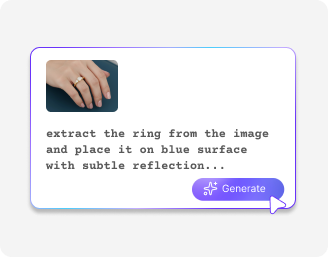
Improve jewelry photos in one click by fixing metal color, adding shine, removing dust, and creating soft shadows.

 Contact Us
Correct lighting, reflections, and color issues in jewelry photos automatically.

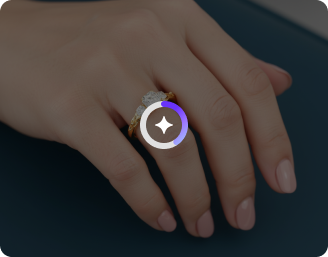
AI Magic in progress
Reducing glare, restoring true metal color, brightening gems, adding clean studio shadow—prepping marketplace-ready output
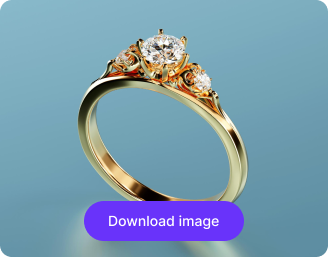
Your jewelry photo is polished and ready!
There was some issue on our end. Please try again.



.png)
.png)

Pixelbin’s AI photo editor for jewelry lets you instantly preview your images and download them without any watermarks.
Improve jewelry photos in one click by fixing metal color, adding shine, removing dust, and creating soft shadows.
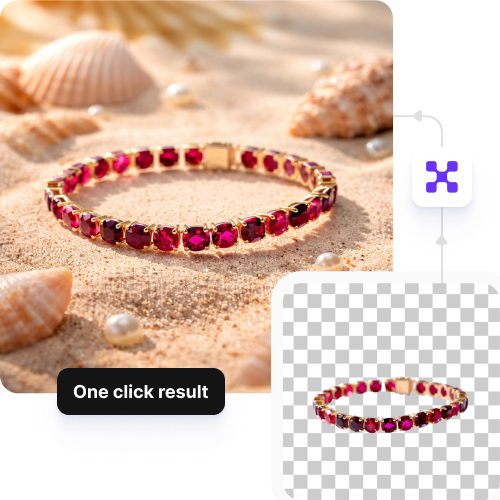
Edit up to 3 images each month for free and upgrade anytime for more credits or API access.
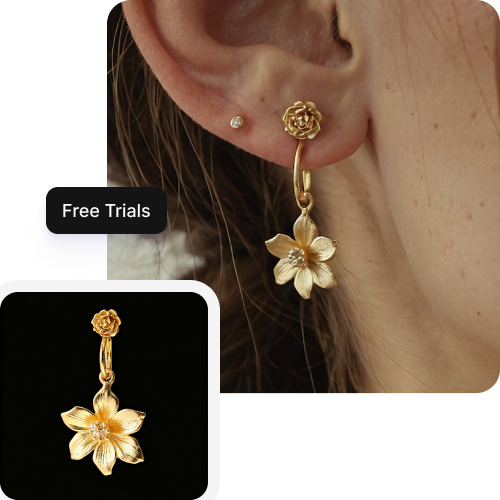
Edit your jewelry photos with the same lighting and colors so they fit Amazon, Instagram, and brand websites.
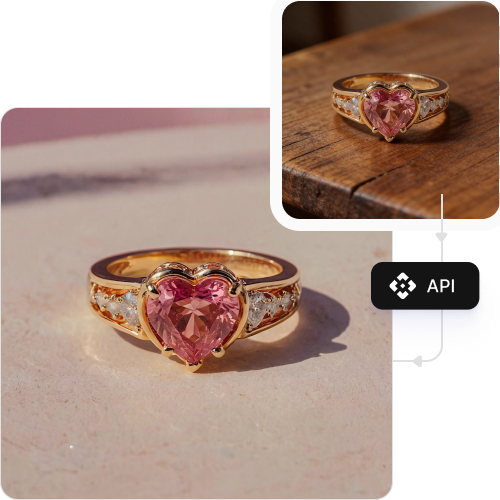
Preserve your photo’s original resolution, detail, and sharpness even after making the edits.
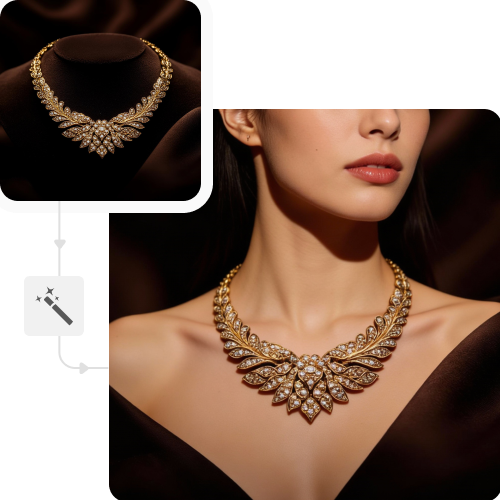

44.jpeg)
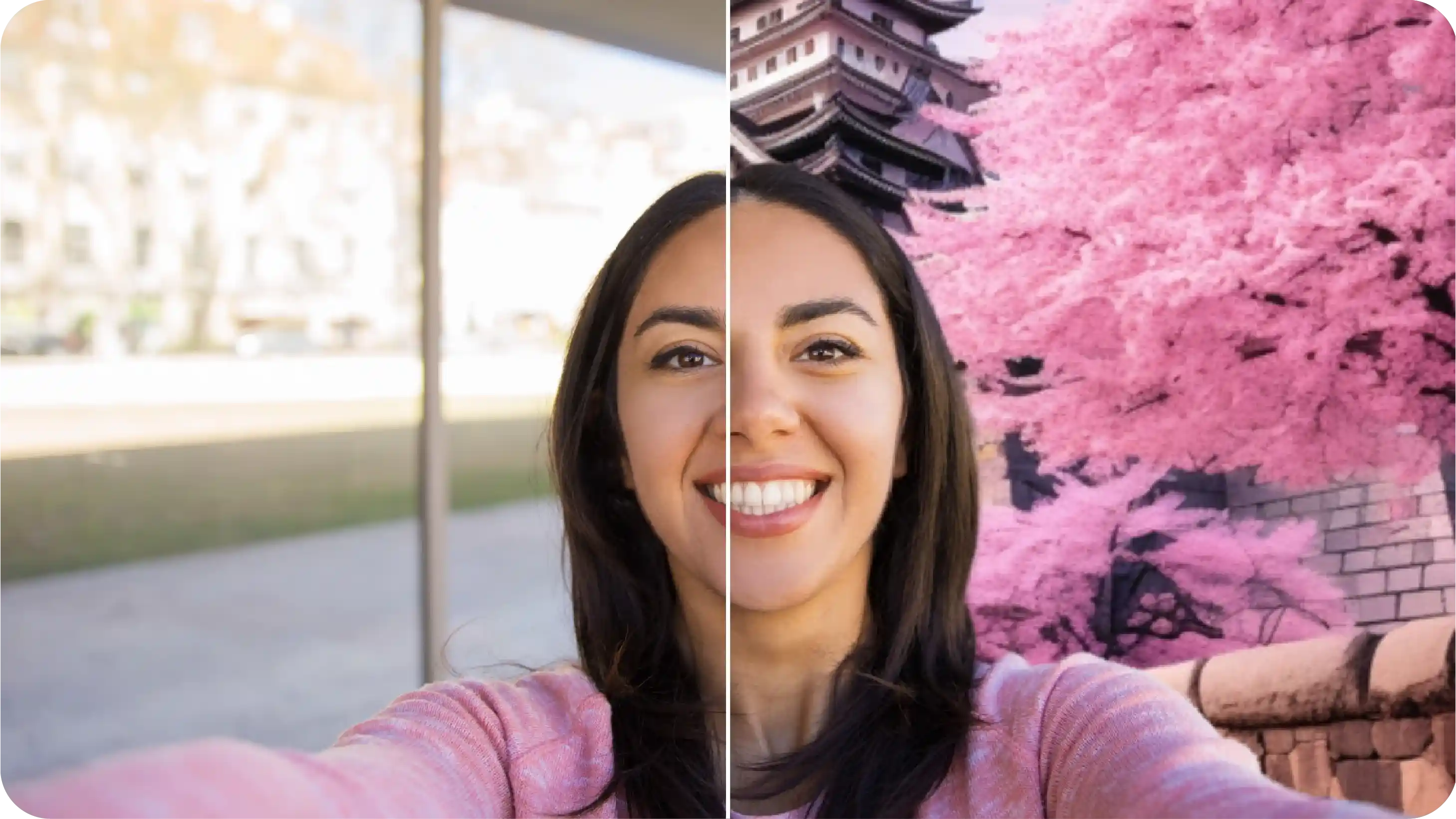
.png)
.jpeg)
Create clean, high-quality jewelry images with consistent lighting and detail.
Show the same design in different metals or gemstone colors without reshooting.
Improve image quality to meet platform standards and attract more buyers.
Reuse one jewelry image to create visuals for product pages, ads, and campaigns.
Get fresh designs online quickly without waiting on manual edits.
Show improvements in polish, lighting, or background clearly.
Build premium lookbooks with uniform styling and visual quality.
Standardize images from multiple suppliers into one cohesive catalog.
Here are some suggestions to get the most accurate results from Pixelbin’s free AI image recoloring tool:
Here are some of the most common questions about our AI jewelry image editor. If you can’t find the information you need, contact us at support@pixelbin.io or refer to our documentation for more details.