PixelBin logo
🚀 Pixelbin Video Generator - Seedance 2.0, Kling 3.0 Motion Control and more live   Click for Free Trial

AI image editor for electronics and gadgets

Upgrade gadget images with better detail, color, and clarity instantly, without any manual edits.

Uploaded image
2500 chars left
Max file size 10 MB.
Loading

AI Magic in progress
Refining colors, boosting clarity, improving reflections, and preparing a high-quality product visual for tech campaigns

Ready

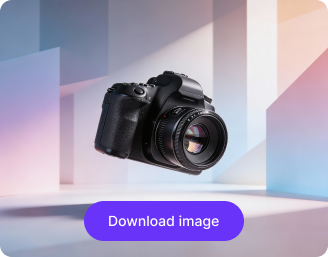
Your enhanced electronics creative is ready!

Explore enterprise
For bulk processing, APIs, or custom workflows and volume discounts
Edit another electronics visual
Generation Failed

There was some issue on our end. Please try again.

Try Again
Show case

How to use Pixelbin’s AI electronics and gadgets image editor online?

1
Add image
Upload a clear photo of your gadget in any of these formats: JPEG, JPG, PNG, or WEBP.
2
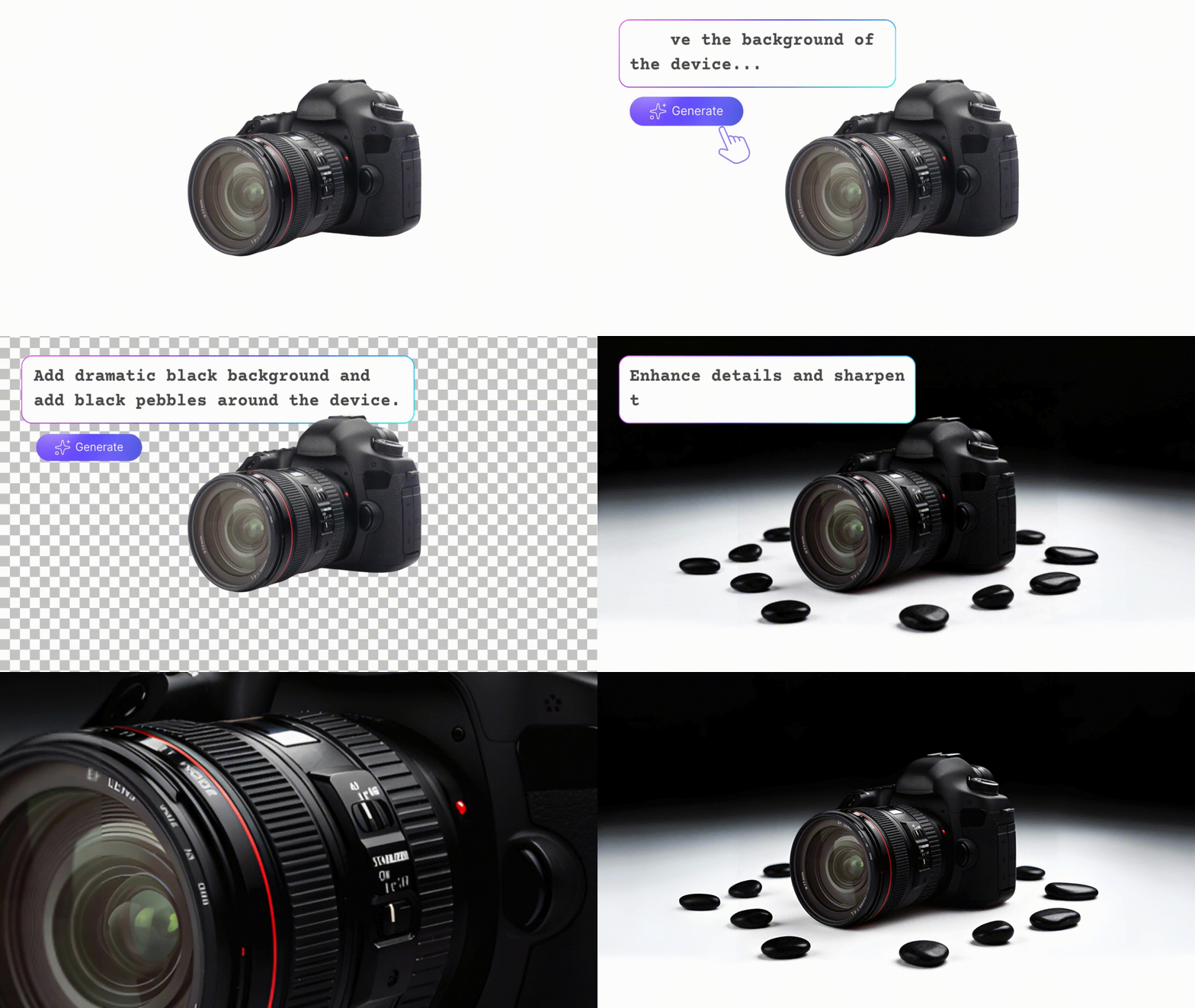
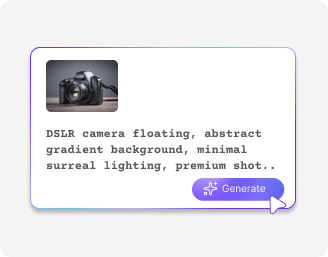
Describe the changes
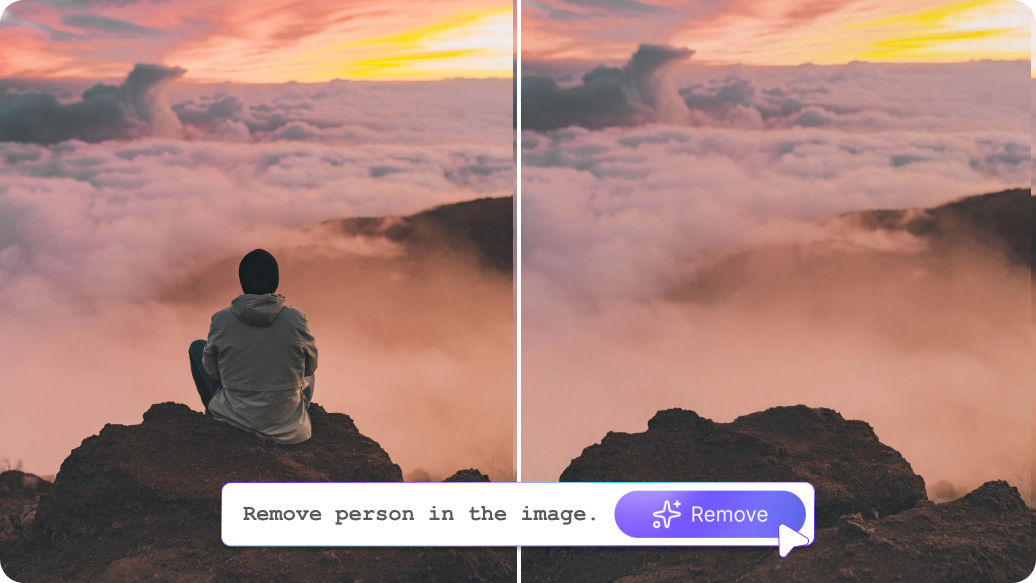
Write in simple words as to what improvements you want, such as better lighting or background removal. The tool instantly applies edits based on your inputs.
3
Save & download
Preview the result and download your high-resolution image for free, with no watermarks or text overlays.

Why use Pixelbin’s AI image editor for electronics and gadgets?

Multiple formats
Work with all popular image formats, such as JPEG, JPG, PNG, or WEBP.
Secure cloud storage
Back up all your assets easily without relying on your local computer.
CDN delivery
Deliver high-quality gadget visuals from any location with real-time compression for smoother browsing.
Digital asset management
Store and manage all your edited assets in one easy-to-access system.
Complete privacy
Edit with confidence as your images are processed on secure, GDPR-compliant, and SOC 2 Type II certified servers.
No sign-up
Use the tool instantly without creating an account or adding payment details.

Create ad-ready gadget visuals with minimal effort

Make your images look clean, sharp, and true to life; no editing skills required.

Bulk transformations

Edit multiple gadget images at one go with our bulk editing API support, saving hours on manual efforts.

Feature 1
Browser-based

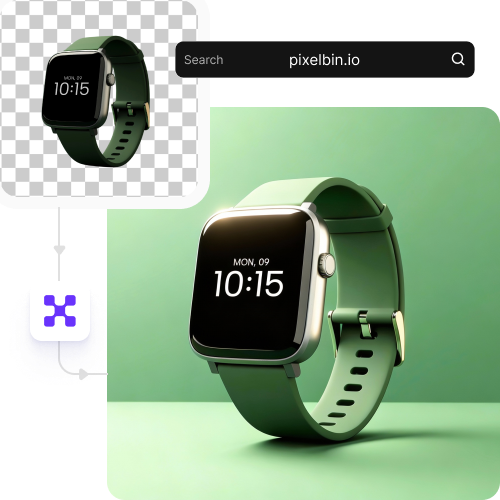
Access the AI image editor on any modern browser, such as Safari, Edge, Chrome, or Firefox; no app installations needed.
Feature 2
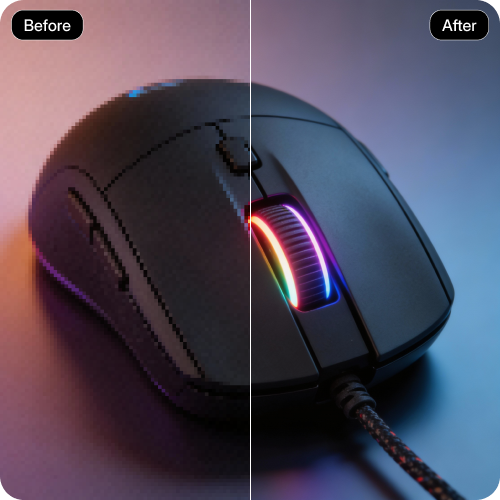
Image upscaling

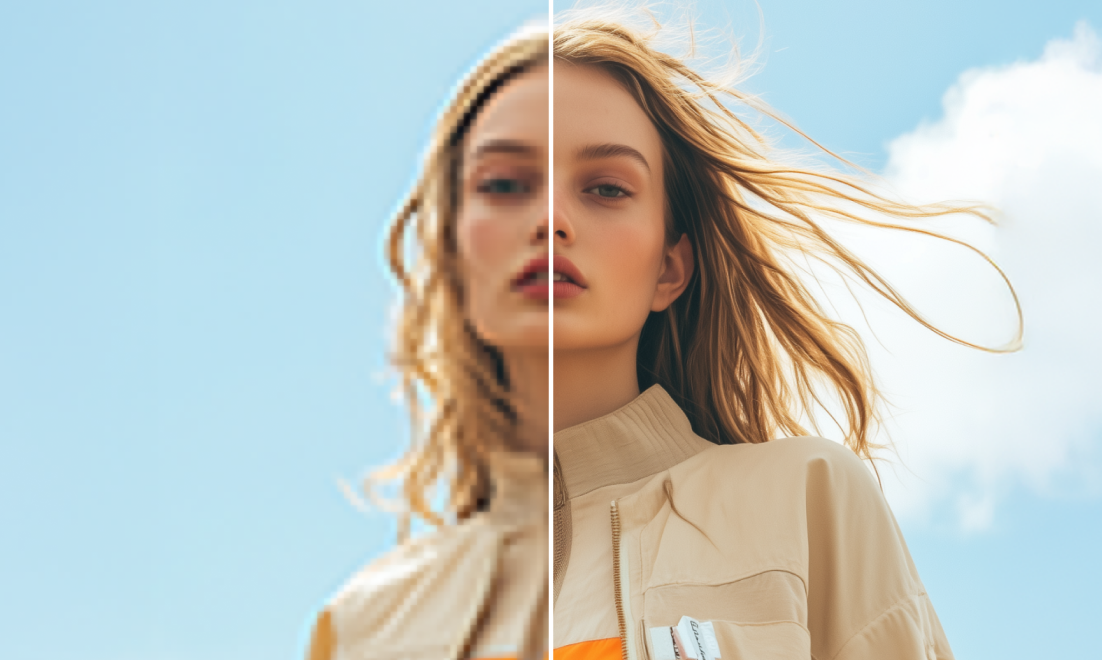
Increase your image resolution by up to 2X, 4X, or 8X while keeping your image intact and true to its original.
Feature 3
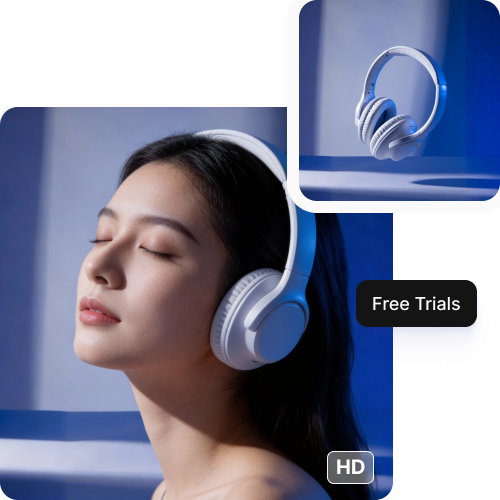
Free HD outputs

Save your edited visuals in high-resolution without extra cost, ready to use for marketing or social media posts.
Feature 4

AI tools by Pixelbin

Key highlights of Pixelbin’s AI image editor for electronics and gadgets

Benefits of using Pixelbin’s AI image editor

  • Studio-quality outputs: Pixelbin’s online image editor delivers clean and polished outputs in HD quality, perfect for ecommerce websites, ads, and social media posting.
  • Perfect for beginners: Our tool has an intuitive interface with drag-and-drop functionality, which makes it accessible even to non-professionals.
  • Speed and efficiency: The tool cuts down on your time on manual efforts by handling all complex edits, so you can launch your products faster without compromising on quality.
  • URL-based transformations: You can adjust and optimize images instantly using URL parameters, great for online applications.
  • Reduce costs: Cut your expenses on hiring professional photographers or buying editing software, as our tool delivers professional edits in just a few clicks.

Use cases

1. E-commerce & product marketing

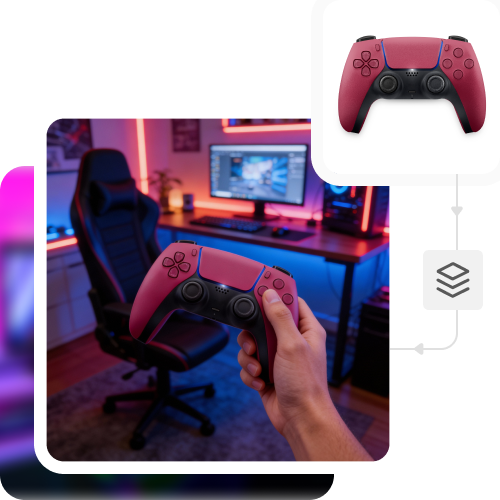
You can create product & lifestyle images for online listings quickly with Pixelbin’s AI image editor. Just tweak lighting, change backgrounds, and make it look professional to increase conversions in no time.

2. Product design & prototyping

Brainstorm and try out different gadget designs much faster by experimenting with colors, materials, finishes, and shapes without having to rely on repeated CAD changes or prototypes.

3. Advertising

Create professional ad creatives, banners, thumbnails, and hero images for different platforms at less cost than you'd be paying if you were doing it manually.

4. Refurbished electronics

You can give pre-owned or refurbished gear a way more professional retail feel by improving image quality, clarity, and masking sensitive details while still giving a fair representation of the product condition.

How to get the best outputs with Pixelbin’s image editor?

To ensure you get the best results, here are a few tips you can try:

  • Upload a clear image shot in natural or bright light.
  • Try not to use screenshots as they compress the image and create "artifacts" around the edges.
  • Use images with clear backgrounds, as too much noise can de-focus the main subject.
  • Capture the gadget from angles that highlight its key features.
  • If you have multiple versions of a file, pick the one with the largest file size. A 2MB+ file usually works best, but it should not exceed 10MB.
  • Be detailed when adding the prompts. Use simple language and clearly mention what changes you want.

FAQs

Here are some of the most common questions about our Recolor Image Online free tool. If you can’t find the information you need, contact us at support@pixelbin.io or refer to our documentation for more details.

Electronics and gadgets are a broad category that includes mobile phones, laptops, tablets, cameras, smartwatches, audio devices, game consoles, and other related tech accessories. To put it simply, any electronic gadget or its accessory that you sell through an online platform, either by showcasing or advertising, would fall under this category.
Yes, PixelBin delivers watermark-free edits, so you can use them across all e-commerce platforms. There should be no compliance issues as long as the original products belong to you or you have been granted permission to sell them.
Yes. With Pixelbin’s free plan, you will receive 3 credits every month, with which you can edit 3 times. After you have used your monthly credits, they will automatically reset in the next month. But if you want to continue editing after exhausting the free limit, you need to create an account and purchase additional credits on a pay-as-you-go basis.
Yes, your image quality stays consistent even when editing large batches of product photos. Pixelbin ensures the same level of brightness, sharpness, and color balance to all your images while keeping the rest of the details intact.
Of course! You can make changes to images that have more than one gadget in one frame. However, ensure that each gadget is clearly visible, and they should not overlap. This way, the AI can better enhance the details of all the products in the image with accuracy.
Edit images in seconds, not hours
Get pixel-perfect results just with your words
Start editing with AI