PixelBin logo
🚀 Pixelbin AI Studio - No Prompt - Idea to final image with our agent Pixie   Click for Free Trial

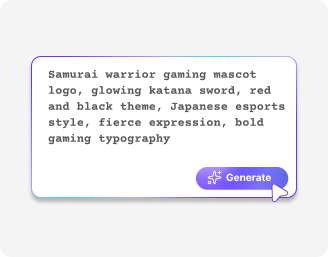
AI logo maker for gaming

Describe dark, neon, cyber, or fantasy themes and get a logo that matches your playstyle.

2500 chars left
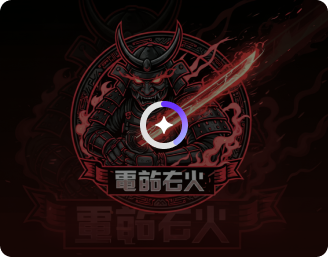
Loading

AI Magic in progress...
Turning your text prompt into a powerful AI-generated logo.

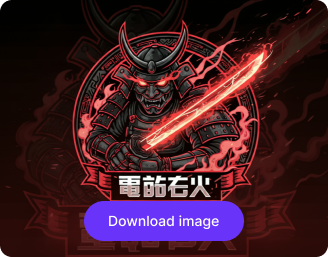
Ready

Your AI-generated gaming logo is ready!

Edit image with AI
Get 🔥 free credits for image editing, upscaling, generation and more
Create another logo
Generation Failed

There was some issue on our end. Please try again.

Try Again
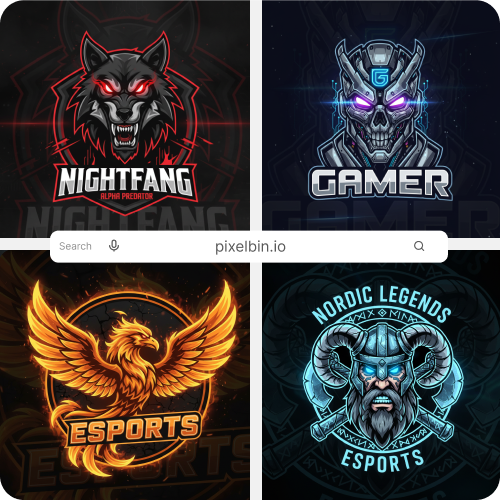
Show case

How to use Pixelbin’s custom gaming logo maker?

1
Describe your logo
Type your clan name, colors, design, and gaming style to tell the AI what you want.
2
Generate the image
Click generate and watch your words turn into a custom gaming logo instantly.
3
Preview & save
Download your logo in high quality without any watermarks, added texts, or marks.

Why use Pixelbin’s gaming logo AI maker?

Instant sharing
Copy the generated URL and share it directly with your clan members, streaming team, sponsors, or tournament organizers.
Image upscaling
Image upscaling Enhance the resolution of your logos by up to 2X, 4X, or 8X while preserving the rest of the design .
Asset management
Store all your logos in one centralized location so you can easily find them when needed.
No sign-up
Access the gaming AI logo maker instantly without having to create an account or share your personal details.
Free trials
Get free trials every month, and upgrade anytime for more credits or API access.
Complete privacy
Your logos are processed on encrypted servers and are never shared or reused.

Stand out in tournaments & live streams with HD logos

Define every detail, from mascot energy to color intensity, for a bold, competitive presence.

No editing skills

Save your time and effort using a free gaming logo maker online that needs zero design experience.

Feature 1
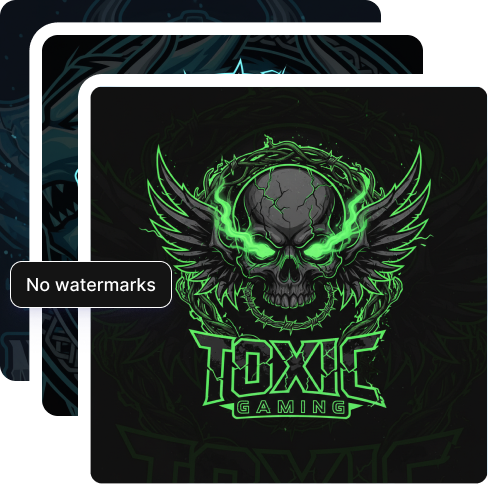
Watermark-free exports

Download your AI gaming logo with no branding elements, ready to use anywhere without restrictions.
Feature 2
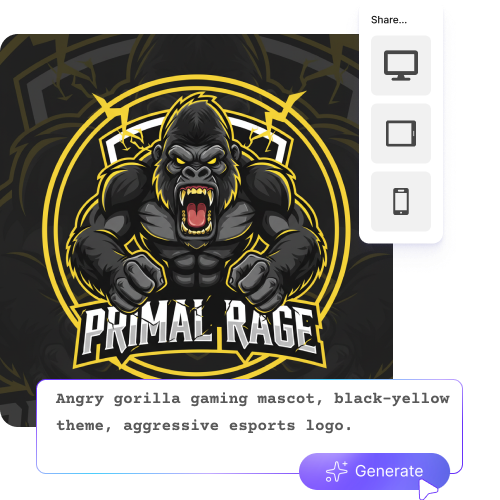
Mobile friendly

Generate your gaming logo directly from your smartphones or tablets; no apps needed.
Feature 3
Browser based

Access the game logo generator on any browser you use, such as Edge, Safari, Chrome, or Firefox.
Feature 4

AI tools by Pixelbin

Key highlights of Pixelbin’s AI gaming logo maker

Benefits of using the logo maker for gaming

  • Insta Branding Boost: By just a click or two, it is possible to fine-tune your gaming brand with AI-assisted gaming logo creation. Your logo will certainly show the kind of gamer you are, regardless of whether you stream FPS, fantasy RPG, or retro arcade games, in real time.
  • Sharp-contrast design for streamers: In gaming, your logo often lives in a "dark mode" world. With our AI gaming logo maker, you can easily generate high-value contrast and internal glows, so your emblem doesn't disappear against dark UI backgrounds or busy gameplay footage. This keeps your brand legible even at thumbnail sizes.
  • Cost efficiency: Skip the need to have a team of in-house designers to generate gaming logos. Try multiple logo styles, shapes, or colors just with a few simple descriptions.
  • Rapid testing: Try multiple styles, mascots, or typefaces quickly on your browser. Change and re-render ideas until the logo absolutely explains what kind of person or gamer you are.
  • Generate logos for all sorts of branding projects: The logos you generate using our AI tool are perfect for banners, overlays, and profile pictures. Whether you need a logo for social media or streaming platforms, you can generate anything comfortably.

Use cases of AI gaming logo maker

1. Professional Twitch & YouTube overlays

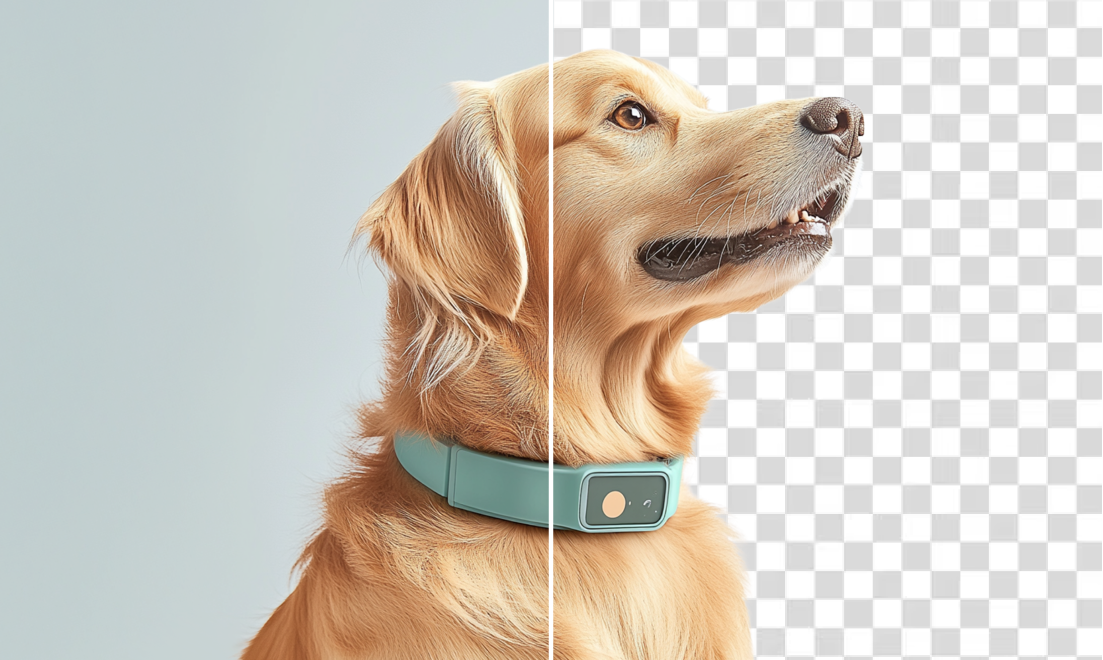
You can create a "transparent" version of your logo to place directly over your live gameplay. With the AI logo gaming maker, you can instantly remove the background and make it look like a built-in part of your stream rather than a messy square box blocking the screen.

2. Custom team jerseys and hoodies

If you own a gaming team or a clan, you can now create high-quality files that are perfect for printing on jerseys, hats, or hoodies. Moreover, you can even increase the resolution without getting it blurry.

3. Discord community icons

Create simple versions of your gaming logo that look perfect on the tiny circle icon on Discord. That way, you can ensure that your server stands out even in the long list of channels, and your members can easily identify you.

4. Indie game startup screens

"Studio Logo" that pops up when the game starts. It helps your project look like it was made by a professional company, even if you are working alone from your bedroom.

5. Social media match-ups

Resize your logo for your Twitter header, TikTok profile, and YouTube banner. This makes sure your "look" is exactly the same across every app.

How to get the best logos using the AI gaming logo creator?

To obtain professional logos, you need to add the right prompts. Here are a few things you must keep in mind when writing the descriptions:

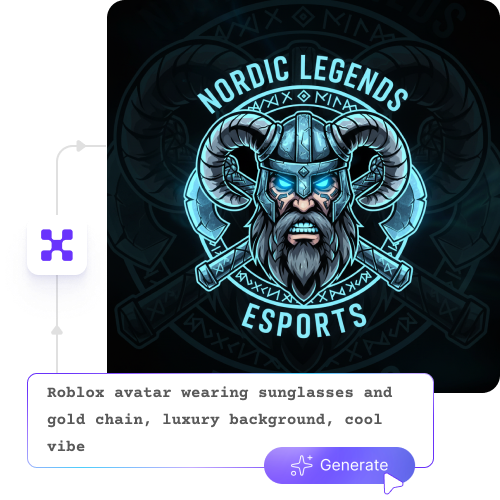
  • Be specific with the descriptions you add. Instead of writing “design a cool logo”, mention your mascot, mood, colors, and game type, like “dark wolf mascot with red glow for FPS gaming channel".
  • Always feed in the genre you’re looking for. It could be battle royale, RPG, esports, YouTube streaming, or Free Fire.
  • The prompt should be clear to read. Ensure you don't end up with long and confusing sentences or concepts.
  • Include vivid details about actual colors and lighting, such as a blue flame effect, purple neon outline, or a black background-flushed design.
  • If you are not satisfied with the first result, just tweak the existing inputs rather than redoing the whole thing from scratch.

FAQs

Here are some of the most common questions about our AI gaming logo maker. If you can’t find the information you need, contact us at support@pixelbin.io or refer to our documentation for more details.

The gaming logo maker doesn’t just look at one word and guess. If you write something layered like “dark cyberpunk wolf with neon purple glow and broken mask,” it tries to balance all those parts together. Sometimes you may need to adjust a word or two, but it generally understands mood, lighting, and intensity quite well.
Not completely unlimited. We do offer free trials but if you exhaust that, you have to create an account and buy extra credits on a pay-as-you-go basis. So it’s free to start, but not endless usage without upgrading.
Yes, but only if you clearly mention the genre. If you say FPS, battle royale, RPG, or esports team branding, the gaming logo maker shifts the style in that direction. If you keep it vague, the result may look more general.
The outputs are generated in high quality, so when you resize them for YouTube banners or small profile thumbnails, they usually stay sharp.
You typically get standard image formats such as JPG, JPEG, PNG, or WEBP. So you don’t have to convert the files separately.
Edit images in seconds, not hours
Get pixel-perfect results just with your words
Start editing with AI