PixelBin logo
Image generator is here -   Create Now   and Claim 30% off on Pro Plans. Use code SALE30 at checkout.   Claim Discount

AI ecommerce product photo editor

Refine, enhance, or remove backgrounds to create clean product visuals ready for Amazon & Shopify.

Uploaded image
2500 chars left
Max file size 10 MB.
Loading

AI Magic in progress
Enhancing product lighting, improving clarity, removing backgrounds, and optimizing images for ecommerce

Ready

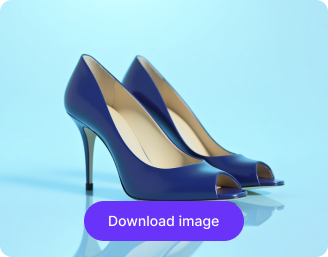
Your ecommerce product photo is ready!

Edit image with AI
Get 🔥 free credits for image editing, upscaling, generation and more
Edit another product image
Generation Failed

There was some issue on our end. Please try again.

Try Again
Show case

How to use Pixelbin’s ecommerce product photo editor?

1
Upload your image
Click on the “+” icon to add your image in JPEG, JPG, PNG, or WEBP. Use an image shot in bright light for natural results.
2
Describe the edits
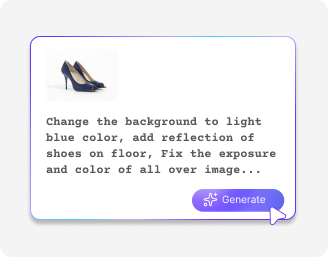
Add simple instructions like clean the background, improve clarity, or refine the overall appearance.
3
Download the image
Preview & save your image in HD without watermarks, ready to list on Amazon, Shopify, or any online store.

Why use Pixelbin’s AI ecommerce product photo editor?

Multiple formats
Work across common image file formats, such as JPEG, JPG, WEBP, or PNG.
Mobile-friendly
Edit & download your images on the go, whether using smartphones or tablets.
Asset management
Organize all your product photos in one centralized location for easy access whenever you need them.
URL-based transformations
Modify, optimize, and enhance your images in real-time by simply editing the URL parameters.
Complete privacy
All your images are processed on secure servers and never shared or reused without your consent.
Watermark-free exports
Download your visuals without any marks, labels, or logos, ready to use directly on websites or online listings.

Keep all product images consistent in style across your store

Add matching backgrounds, colors, and layouts in seconds without needing any Photoshop skills.

Browser-based

Use the AI product photo editor directly in your browser, such as Safari, Edge, Chrome, or Firefox .

Feature 1
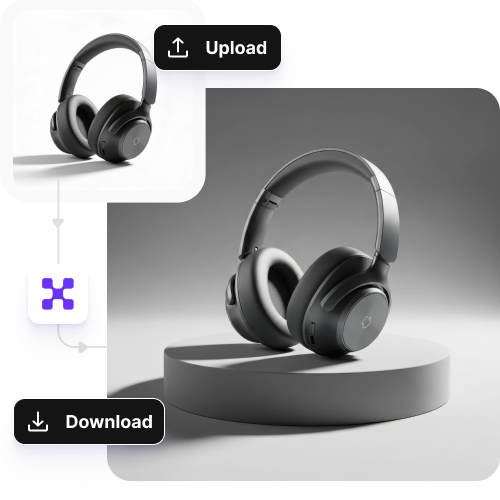
Intuitive interface

Edit your product images with a simple process designed for all beginners and professionals alike.
Feature 2
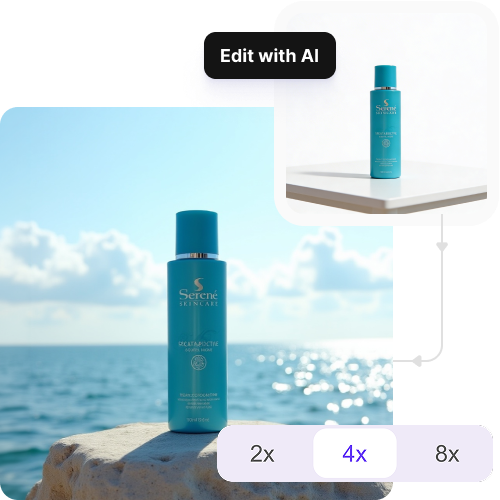
Image upscaling

Improve your image clarity and sharpness by up to 2X, 4X, or 8X while preserving all the details.
Feature 3
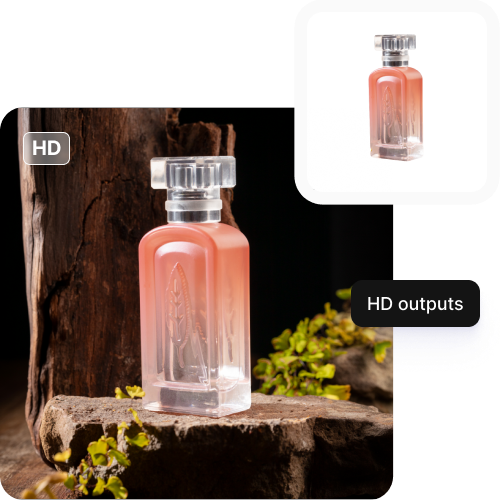
HD downloads

Download images in high resolution for free, ready for ecommerce listings, ads, and online.
Feature 4

AI tools by Pixelbin

Key highlights of using Pixelbin’s AI ecommerce product photo editor

Benefits of the AI product photo editor

For online store owners, think of the AI ecommerce product photo editor as your photo studio and marketing assistant. It lets you produce professional product photos whenever you want, without extra expenses or waiting. Here’s how it can simplify things:

  • Cut costs on photoshoots: Skip hiring photographers or renting studios. Just click a product photo with your phone, and the AI photo editor turns it into a tidy, studio-quality shot. Save that money for ads or inventory.
  • Get products to market faster: In online sales, timing is key. With this AI, upload your product image, clean background, and have it ready for your store the same day. No waiting for days, so you can start selling products faster.
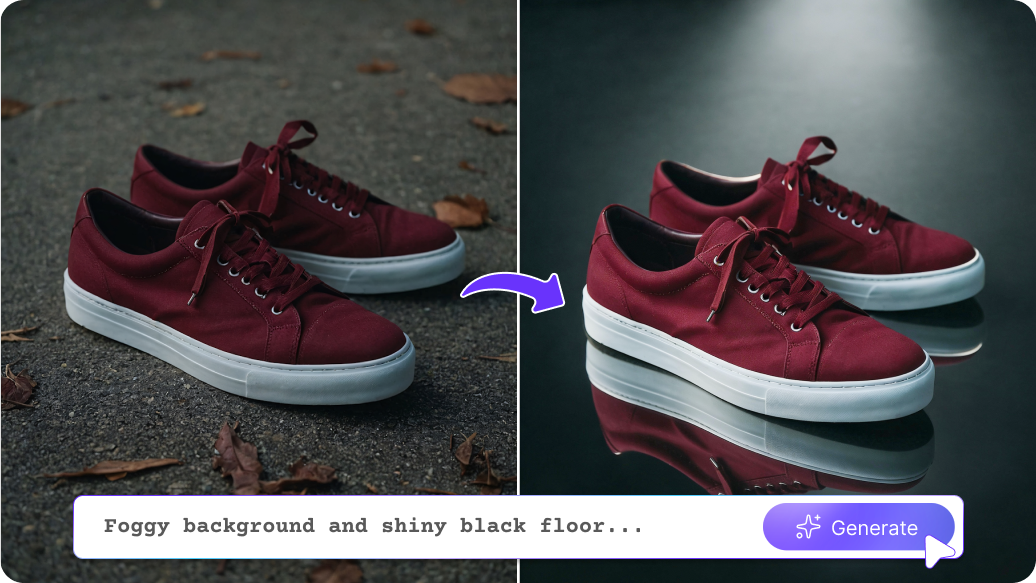
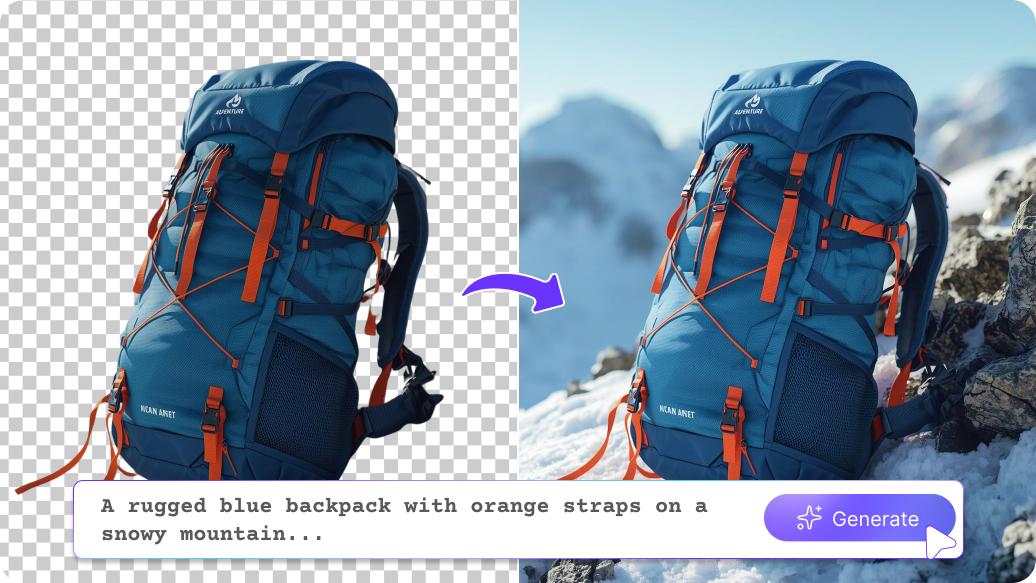
  • Display products in action: Place your product in settings like an office, kitchen, or a lifestyle scene. The AI photo editor helps create realistic, high-end images so customers can easily picture themselves owning it.
  • Keep a polished, professional storefront: A consistent look across your product photos makes your store seem more trustworthy. The AI photo editor helps maintain consistent lighting, backgrounds, and product placement, making your website feel refined and dependable.
  • Make extra ads from one photo: Ads and banners need different image sizes. With the online ecommerce product photo editor, you can resize one product photo into several formats. Use the same image for social media, ads, and website banners effortlessly.
  • Boost trust, lower returns: Good product images give customers confidence. The AI photo editor enhances image quality and removes distractions, so customers feel good about buying and are less likely to return the item.

Use cases of the AI product photo editor

1. Marketplace-compliant images

Remove shadows and backgrounds even from your phone images to meet the image rules of shopping sites.

2. Marketing banners

Start with a single product photo and expand the background to add text like Sale or New Arrival without covering your actual product.

3. Social media posts

No need to rent a studio! Place your product in different digital scenes, such as a garden or a fireplace, to create engaging content.

4. Showcase your full color range

If you have a product sample in one color, create images of the other colors using the AI ecommerce product photo editor. List the complete collection before all the samples even arrive.

5. Make supplier photos look professional

Fix blurry or low-quality images from wholesalers. The tool sharpens the images, so they appear professional for your online storefront.

How to get the best results using the ecommerce photo product editor?

To ensure your images are ready to use for online listings, try the following tips:

  • Upload an original, full-size photo. Avoid screenshots and images from messaging apps because they decrease image quality.
  • Choose photos where the product clearly stands out from the background.
  • The product must show clear sharpness before you upload. Though the AI can enhance your image, blurry photos are difficult to repair.
  • Avoid images with strong shadows and bright flash reflections.
  • The image needs to show the entire product without any part of it being cut off at the edges.
  • For shiny products, choose photos that show the product without any visible reflections of people or nearby things.

FAQs

Here are some of the most common questions about our AI Ecommerce Product Photo Editor. If you can’t find the information you need, contact us at support@pixelbin.io or refer to our documentation for more details.

You receive 3 free credits at the beginning. The first credit enables you to perform a single action, which includes either editing or downloading the image. You can continue editing after using your free credits by purchasing additional credits through the pay-as-you-go system. Your usage capacity depends solely on your existing credits because there are no daily or monthly restrictions.
Yes. The AI product photo editor works well for large items, including furniture, bicycles, and other oversized products.
The tool does not provide an undo function. You need to create a new image by entering fresh text instructions, which will generate your desired output.
There is no mobile app at the moment. The tool operates effectively through mobile web browsers, which allow you to access it on your phone without installing any software.
The maximum file size you can upload is 10 MB in the supported formats, such as JPEG, JPG, PNG, or WEBP.
Edit images in seconds, not hours
Get pixel-perfect results just with your words
Start editing with AI