


Support webp/jpg/jpeg/png, up to 10MB
/pixelbin_blogs/PB_2.0/Apps_Graphics/Hairstyle_changer_New_template/13580.jpg)
/pixelbin_blogs/PB_2.0/Apps_Graphics/Hairstyle_changer_New_template/26532_(1).jpg)
/pixelbin_blogs/PB_2.0/Apps_Graphics/Hairstyle_changer_New_template/1867_(1).jpg)
/pixelbin_blogs/PB_2.0/Apps_Graphics/AI_Braids/Short_braids.webp)
/pixelbin_blogs/PB_2.0/Apps_Graphics/AI_Braids/medium_size_braids.webp)
/pixelbin_blogs/PB_2.0/Apps_Graphics/AI_Braids/Long_Braids.webp)
Add realistic braids to your images
Free AI Braids Filter Online
Add realistic braids hairstyles to your images in seconds that align with your hair volume, texture, and detail
/pixelbin_blogs/PB_2.0/Apps_Graphics/AI_Braids/outputwithbraids.webp)
/pixelbin_blogs/PB_2.0/Apps_Graphics/AI_Braids/Inputimage.webp)
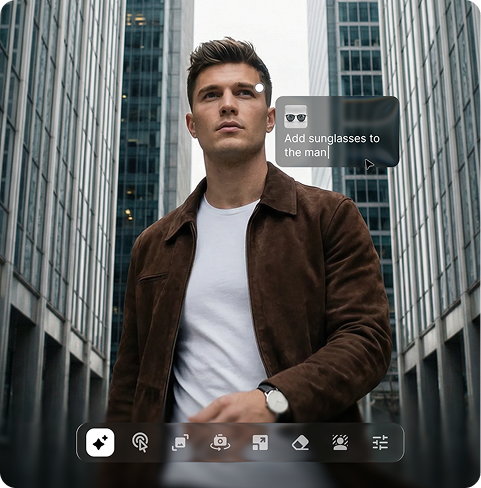
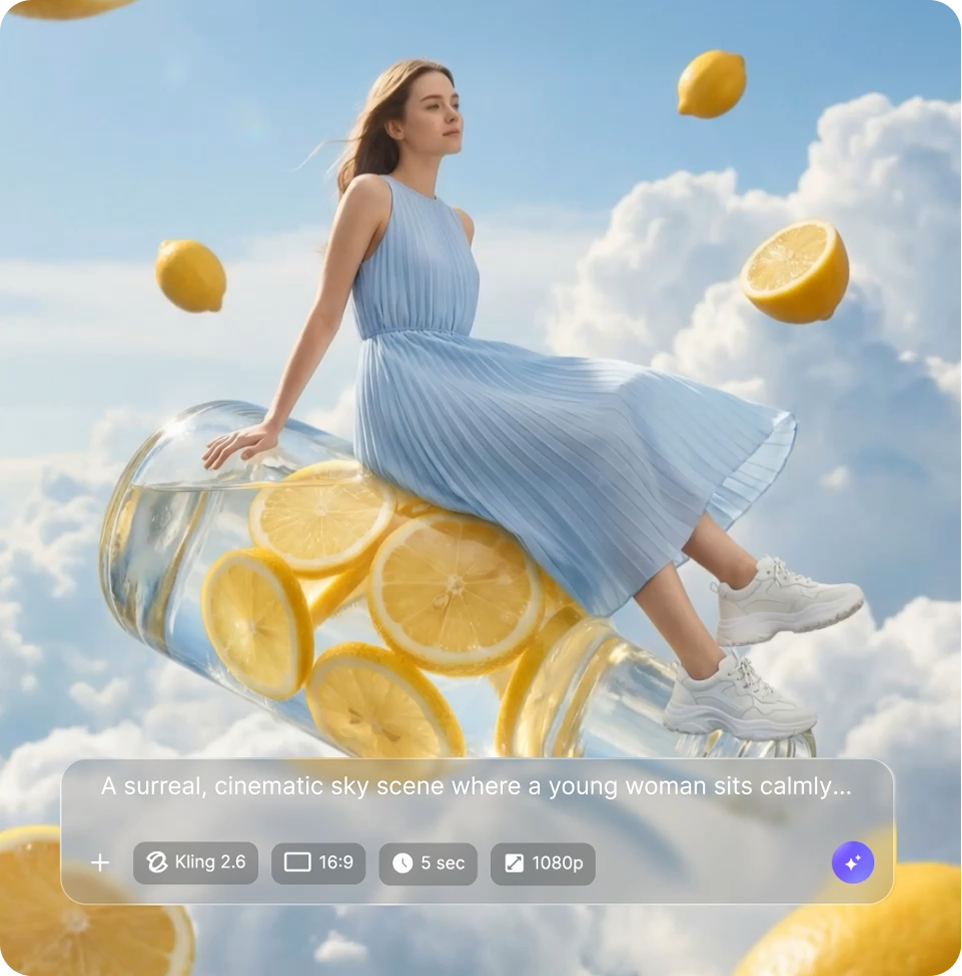
How to use Pixelbin's AI braids generator?
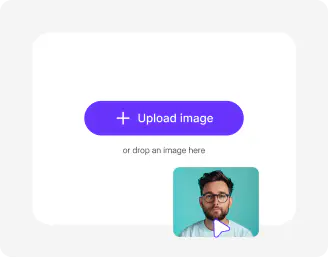
Upload your image
Add a clear portrait or full headshot in JPEG, JPG, WEBP, or PNG where hair is visible for accurate detection.
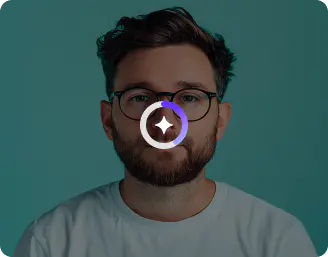
Add prompt and settings
Type your braid style like "cornrows on athletic build" or "box braids with shine," then choose model and image ratio.
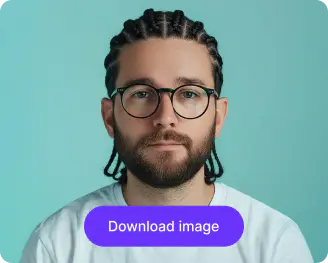
Generate and save
Click generate to apply the AI braids filter, preview variations, and download in HD quality.
Why choose Pixelbin's AI braids generator?

Scalp and texture realism
Generate lifelike braids with proper tension, parting patterns, and strand thickness that suit athletic or everyday looks.

Style versatility
Create AI braids men styles, basketball player cornrows, long boho braids, or neat professional twists easily with prompts.

Lighting adaptation
Match existing photo lighting so braids reflect highlights, shadows, and sheen naturally across different skin tones.

Edge control precision
Taper edges, baby hairs, and flyaways for polished salon-quality virtual braided hairstyles.

Length and volume options
Extend or thicken hair into fulll braids sets while keeping proportions realistic for the face and neckline.

Background harmony
Create braid hairstyles that naturally match product photos, ads, and social media visuals without needing complex adjustments.
AI braids for men & women: Style your hair as you want
Explore stylish braided hairstyles like Waterfall, Halo, Rope, Crown, Micro Braids, and many more looks in a jiffy.
Precise hairline mapping
Try the AI braids filter that follows natural contours, scalp, and existing hair for seamless blending on any headshot.
Prompt flexibility
Combine photo upload with text prompts to customize styles like fulani braids, goddess locs, or sporty cornrows easily.
Watermark-free outputs
Export all your AI braid hairstyles in high-definition quality, without any branding labels, marks, or text overlays
Browser friendly
Run the AI braids filter online, free from browsers on phones, tablets, laptops, or desktops without any app installations.
/pixelbin_blogs/PB_2.0/Apps_Graphics/AI_Braids/watermarkfree.webp)
AI tools by Pixelbin
/pixelbin_blogs/PB_2.0/Related_apps_tumbnail/Thumbnail_41-transformed.png)
/pixelbin_blogs/PB_2.0/Related_apps_tumbnail/Thumbnail_(16)-transformed.webp)
/pixelbin_blogs/PB_2.0/Related_apps_tumbnail/erasebg-transformed_(9)-transformed.webp)
/pixelbin_blogs/PB_2.0/Related_apps_tumbnail/Thumbnail_36-transformed.webp)
Key highlights of Pixelbin's braids filter online
Benefits of using an AI braids generator
Pixelbin streamlines hairstyle visualization for beauty brands and content teams without production overheads. Key advantages include:
- Efficient workflows: Turn single photos into multiple braid hairstyle variations in moments to meet tight deadlines.
- Budget-friendly: Skip model shoots or stylists; test free AI braids hairstyle concepts before investing in assets.
- Higher conversions: Show customers realistic AI braids filter results on diverse faces to build confidence in purchases.
- Trend alignment: Quickly produce AI braids basketball player looks or viral styles to capitalize on social momentum.
- Consistent branding: Uniform braid textures and placements across campaigns for professional catalog cohesion.
Use cases of the braids filter online free
- Campaign visuals: Apply ai braids filter to photos for hair product ads, showing styles on real client demographics.
- Salon promotions: Let customers preview virtual braided hairstyles on their uploads before booking services.
- E-commerce listings: Enhance product pages with customized braided hairstyles on models without new photoshoots.
- Athlete endorsements: Create AI braids for men or basketball-inspired looks for sporty haircare and accessory lines.
- Social content series: Build reels and posts featuring free AI braid hairstyle progressions from photo uploads.
- Event merchandising: Design bridal or festival braid concepts that match themes for planners and vendors.
How to get the best results from Pixelbin's AI braids generator?
Use these tips for clean, professional braid applications:
- Upload sharp portraits with even lighting and fully visible hairlines from front or slight angles.
- Combine clear photos with specific prompts mentioning style, length, thickness, and edge details.
- Avoid heavy obstructions like hats, scarves, or extreme angles that block scalp visibility.
- Select ratios matching your output, such as portrait for profiles or landscape for ads.
- Refine iteratively by adjusting one prompt element per generation for optimal precision.
FAQs
Edit images in seconds, not hours
Get pixel-perfect results just with your words
Start Editing with AI