






Batch processing
Apply edits to multiple dress photos at once using API support to save time on large collections.

 Contact Us
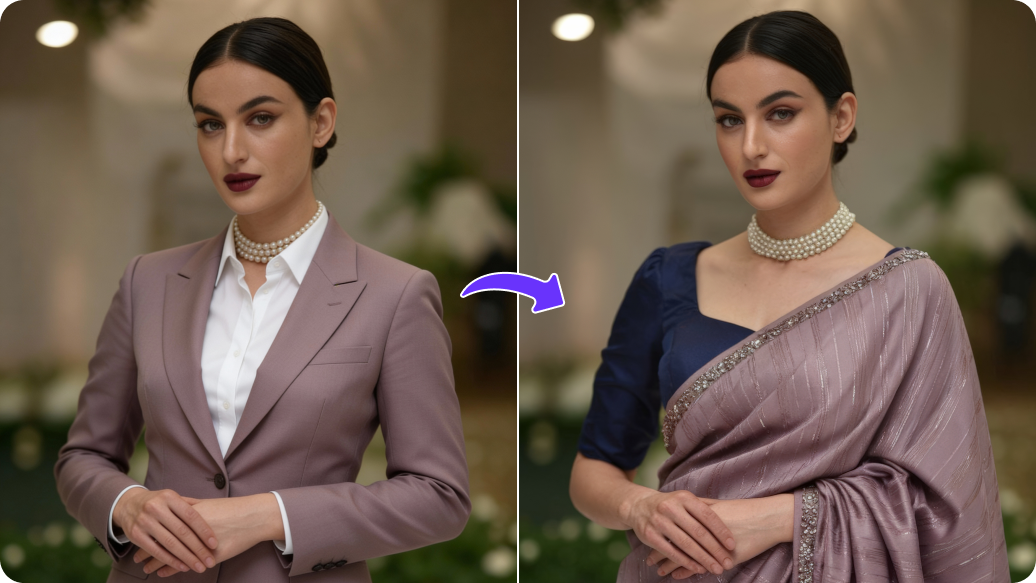
Try different outfits, add overlays, or adjust fit for realistic dress previews.

AI Magic in progress
Improving clarity, enriching fabric texture, refining colors, and preparing a premium fashion-ready visual.
Your enhanced dress image is ready!
There was some issue on our end. Please try again.

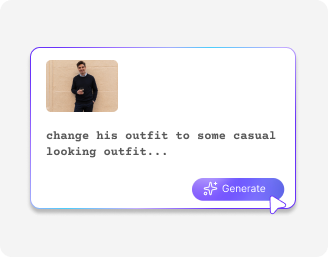



.png)
.png)

Experiment with different looks to see what works best for your products or posts.
Apply edits to multiple dress photos at once using API support to save time on large collections.
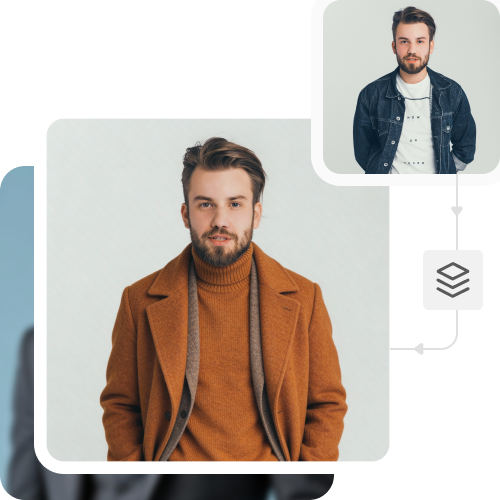
Download dress images ready for e-commerce, campaigns, or catalogs without branding distractions.
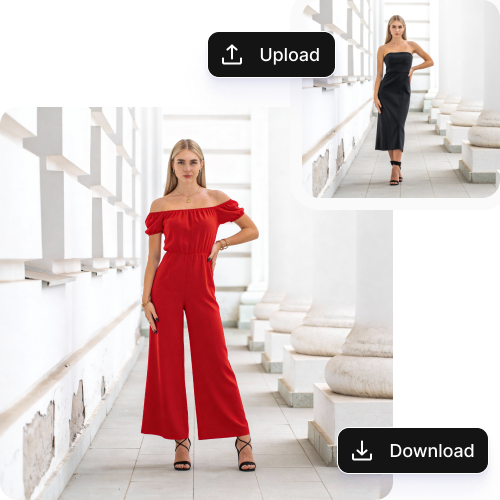
Edit your dress photos directly from any device or browser, including Chrome, Edge, Firefox, and Safari.
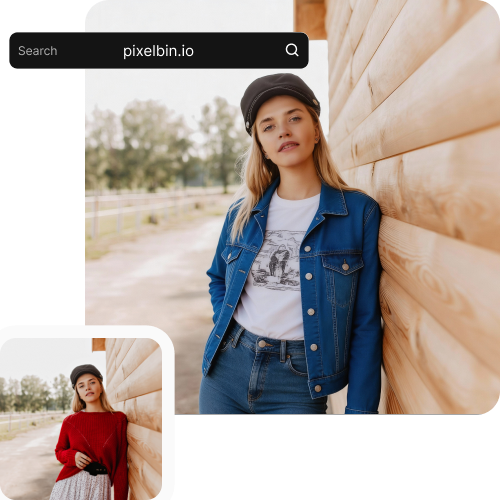
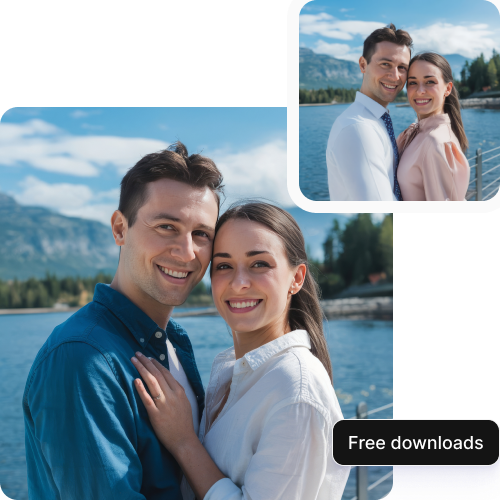
Edit up to three dress photos per month at no cost, with the option to upgrade for more edits and API access.
.png)
44.jpeg)
Turn one product image into many versions. Create all colors and patterns quickly, without new photos.
Preview different prints or fabrics on the same outfit image before moving to production.
Use a single photo multiple times to change outfits or backgrounds to match seasons and campaigns.
Add visuals for new or limited products fast, without waiting for another photoshoot.
To achieve the best results from this AI image editor, try a few suggestions as mentioned:
Here are some of the most commonly asked questions about our AI dress photo editor. If you still can’t find what you’re looking for, contact us at support@pixelbin.io or read our documentation for more details. documentation for more details.