PixelBin logo
Image generator is here -   Create Now   and Claim 30% off on Pro Plans. Use code SALE30 at checkout.   Claim Discount

AI travel photo editor online for free

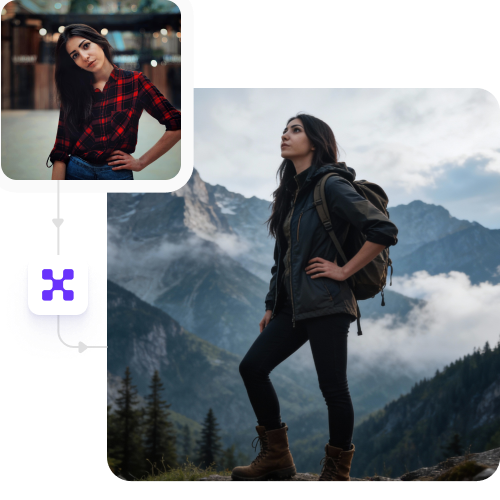
Refine and enhance your travel images, and get professional results with just one click.

Uploaded image
2500 chars left
Max file size 10 MB.
Loading

AI Magic in progress
Enhancing details, improving lighting, and applying professional-grade photo corrections

Ready

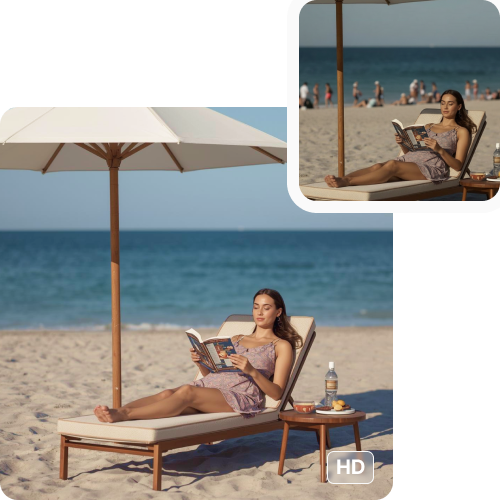
Your professionally enhanced photo is ready!!

Explore enterprise
For bulk processing, APIs, or custom workflows and volume discounts
Edit another photo
Generation Failed

There was some issue on our end. Please try again.

Try Again
Show case

How to use Pixelbin’s AI travel photo editor online?

1
Upload your image in any format
Drop your travel photos in any of these formats - JPEG, WEBP, PNG, or JPG, and describe the edit you’re looking for.
2
Let the AI process your image
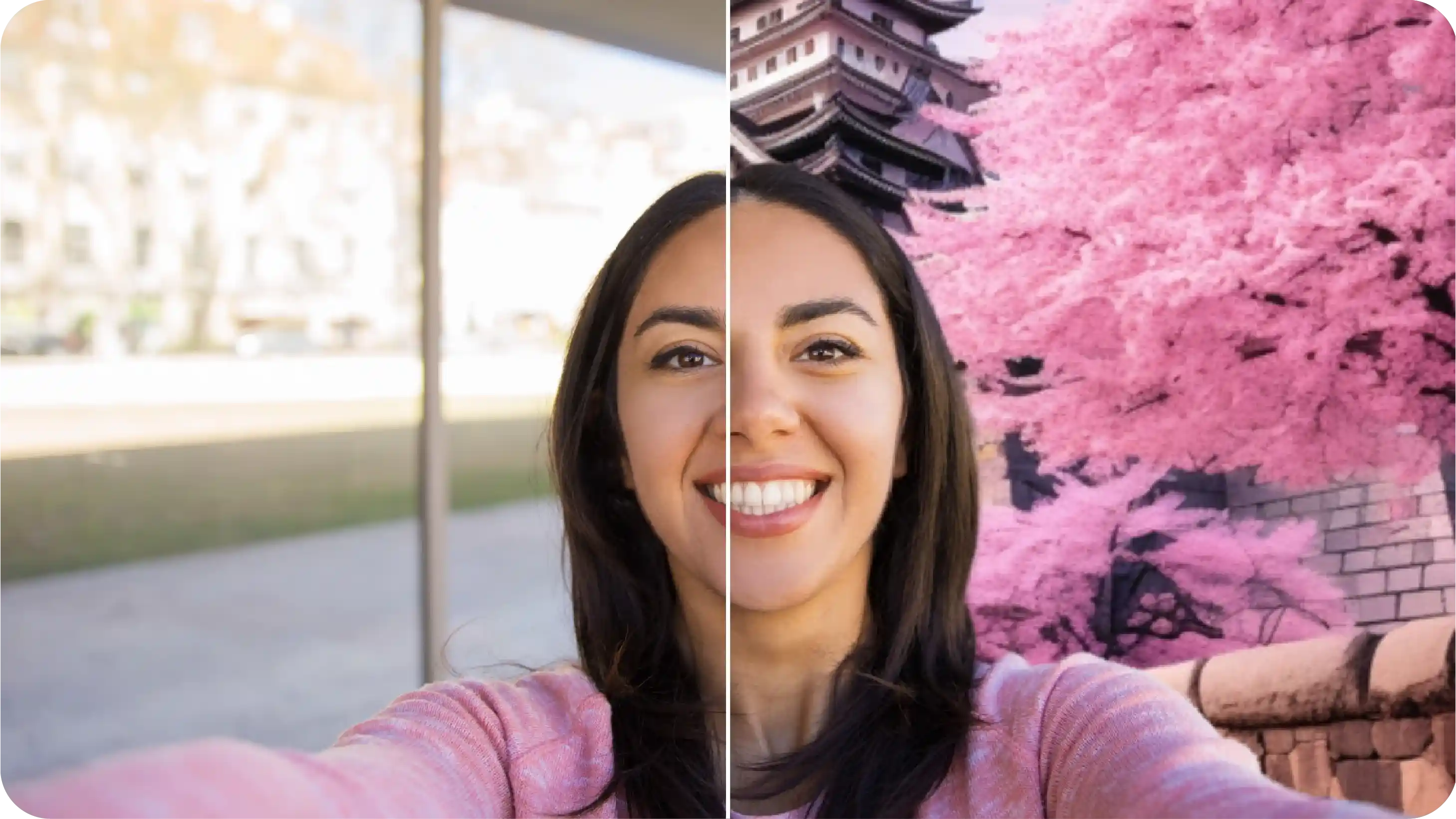
The AI travel photo editor automatically improves the lighting and background.
3
Download high-resolution images
Preview the edited image and download it in HD for free without any logos or watermarks.

Why use Pixelbin's AI travel photo editor online for free?

Multiple formats
Upload images up to 10 MB in any major format like WEBP, PNG, JPEG, and JPG.
Browser-based
Access the tool on any browser, such as Edge, Safari, or Google Chrome.
HD outputs
Get consistent HD visuals for all images, ready for website, OTA listings, or social media marketing.
Free trials
Start for free. Try our professional AI editing tools at no cost without signing up or adding payment information.
Watermark-free exports
Export images free of any watermarks or branding, ready to be used for campaigns or client presentations.
Complete privacy
Enhance your photos securely. All images are processed on encrypted servers and never shared without consent.

Enhance travel photos like a pro in seconds

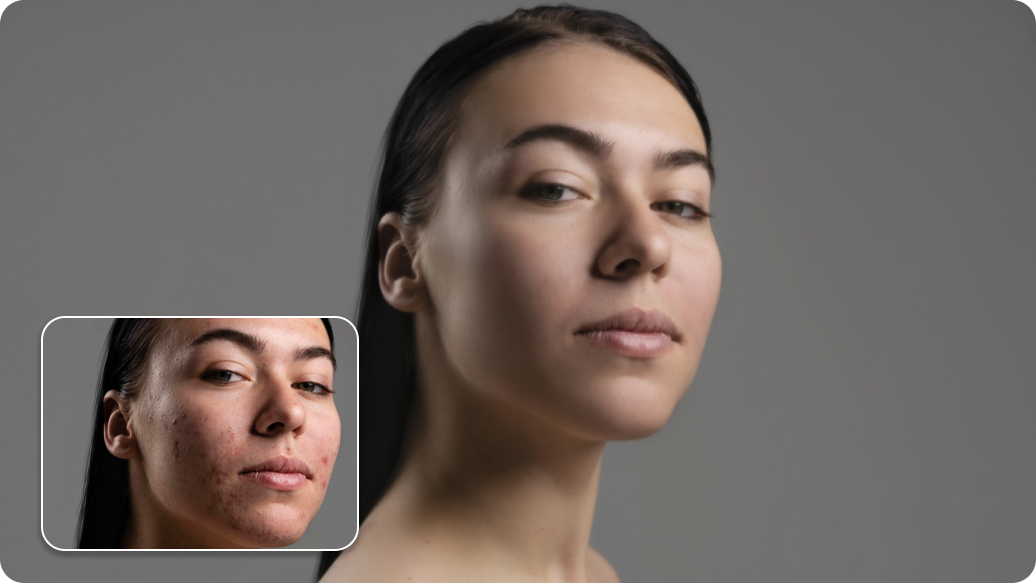
Fix lighting, clean backgrounds, and retouch your travel photos without any design skills or manual editing.

Intuitive interface

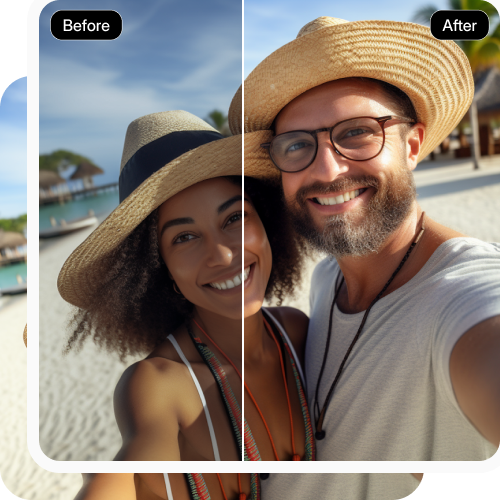
Upload your pictures and let the AI fix backgrounds and clean up details for you.

Feature 1
Bulk retouching

Save time by editing entire folders of hotel and destination photos at once with no manual editing.
Feature 2
Global CDN

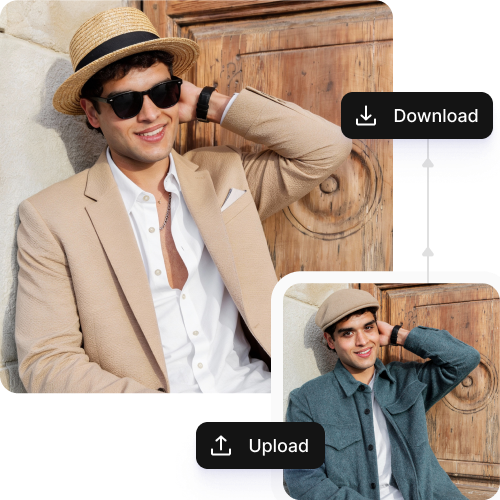
Deliver images instantly across the world with fast, reliable loading.
Feature 3
HD outputs

Get consistent visuals in high-quality, ready-to-use formats without compromising quality.
Feature 4

AI tools by Pixelbin

Key highlights of Pixelbin’s AI travel photo editor online

Benefits of using an AI travel photo editor online

Pixelbin lets you edit, stylize, and correct your travel images in seconds. With this tool, you can enjoy several benefits, such as:

  • Speed up content updates: Fix and enhance travel photos in just a few clicks.
  • Reduce dependency on designers: Adjust lighting and clean background without hiring designers.
  • Save operational effort: Batch edit large volumes of photos quickly, with the same level of precision and quality.
  • Download platform-ready images: Get rid of imperfections and make your photos clean and professional-looking to use them on OTAs, websites, ads, and social media platforms.

Use cases of best AI travel photo editor online

Pixelbin’s AI travel photo generator is free and can be used for various reasons, as listed below:

1. Enhance destination shots

Create realistic travel shots without manual effort. With Pixelbin’s AI travel photo editor, you can draw attention to key landmarks.

2. Refine skyline and cityscape photos

Adjust colors and remove unwanted distractions to make it perfect for ad promotions and guides.

3. Improve landscape and nature photos

Enhance mountains, beaches, forests, and scenic views by improving clarity and balance.

4. Clean up attraction and monument images

Remove unwanted objects and background clutter from photos of monuments, historical sites, and popular attractions.

How to get the best results from Pixelbin’s AI travel photo editor online?

If you want to get the best results for all images, here’s what you need to do:

  • Use clear, original travel photos as input.
  • Group similar images for consistent results.
  • Avoid overly cluttered photos if possible.
  • Be specific with the prompts you write.
  • Do not upload images with heavy filters.
  • Keep the main subject visible clearly so the AI understands what to enhance.

FAQs

Here are some of the most common questions about our AI travel photo editor online. If you can’t find the information you need, contact us at support@pixelbin.io or refer to our documentation for more details.

Yes, the maximum image size for uploading is 10MB, provided the images are in the specified formats of JPEG, JPG, PNG, and WEBP.
Pixelbin accepts all major formats, such as JPEG, JPG, PNG, and WEBP.
Pixelbin operates on a credit bank system. You get a free plan with a limited number of credits for each month. Paid subscription plans are available as well, which assure full access to premium features.
Yes! Pixelbin allows for bulk editing. You can take hundreds of travel images through processing in seconds and keep the quality uniform throughout.
Not at all. The travel photo editor of Pixelbin uses AI technology that keeps the quality of the original image intact. No compression or watermarking is done during the editing process.
Edit images in seconds, not hours
Get pixel-perfect results just with your words
Start editing with AI