PixelBin logo
🚀 Pixelbin Video Generator - Seedance 2.0, Kling 3.0 Motion Control and more live   Click for Free Trial

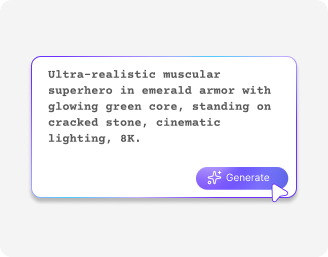
AI Pokémon image generator

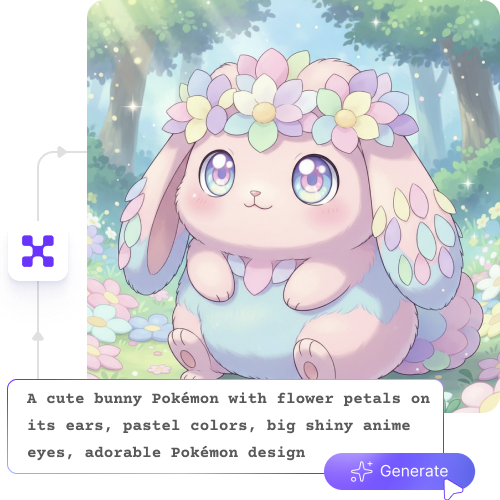
Generate custom AI Pokémon characters for games, merchandise, or fan art.

2500 chars left
Loading

AI Magic in progress...
Turning your text prompt into an AI-generated Pokemon design

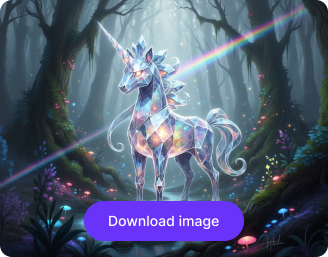
Download Pokemon

Your AI-generated Pokemon is ready!

Edit image with AI
Get 🔥 free credits for image editing, upscaling, generation and more
Generate another Pokemon
Generation Failed

There was some issue on our end. Please try again.

Try Again
Show case

How to use Pixelbin’s Pokémon AI art generator?

1
Describe your character
Write in simple words about your Pokémon’s type, colors, features, or powers.
2
Click on generate
Hit the “generate” button and see your Pokémon come to life, ready to use for games, fan art, or merchandise.
3
Download the image
Preview the design and save it to your device in HD quality, free from watermarks, labels, or added texts.

Why use Pixelbin’s online AI Pokémon art generator?

Mobile friendly
Create your Pokémon characters on your mobile interface at the same speed as on a desktop.
HD outputs
Save your images in high resolution with crisp details and vibrant colors.
Image upscaling
Make your artwork bigger and clearer by up to 8X without losing quality.
No cost editing
Enjoy free trials each month and easily upgrade whenever you need more credits or access.
No sign-up
Access the AI Pokémon generator without creating an account or sharing personal details.
Preview results
Pixelbin’s preview feature lets you review your final image for clarity before sharing it online.

Customize your AI Pokémon with unique features & powers

Personalize every detail from eyes and claws to wings and tail for different battles or stories.

Easy to use

Create custom Pokémon characters instantly with our AI Pokémon art generator; no drawing skills needed.

Feature 1
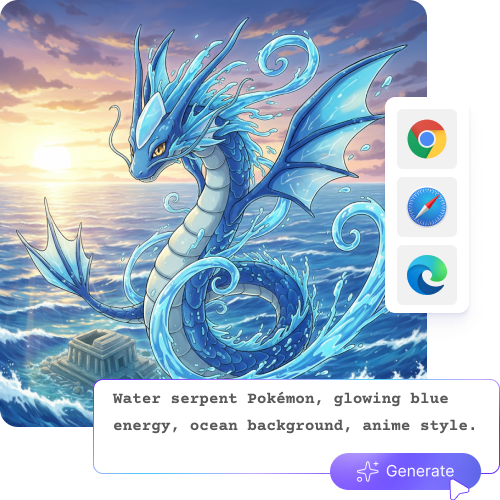
Browser-based

Access the AI Pokémon picture generator on any modern browser you use, such as Safari, Firefox, Edge, and Chrome.
Feature 2
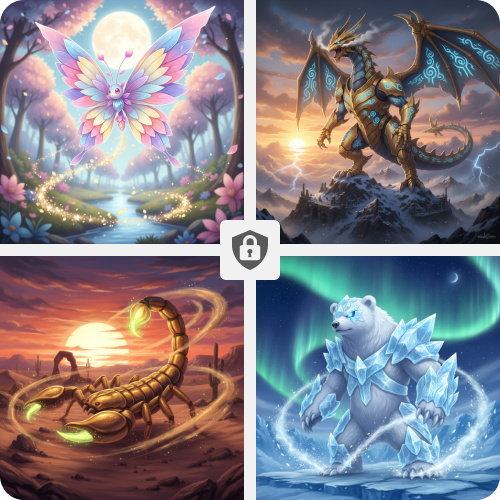
Complete privacy

Your images are processed on secure servers and are never shared with anyone.
Feature 3
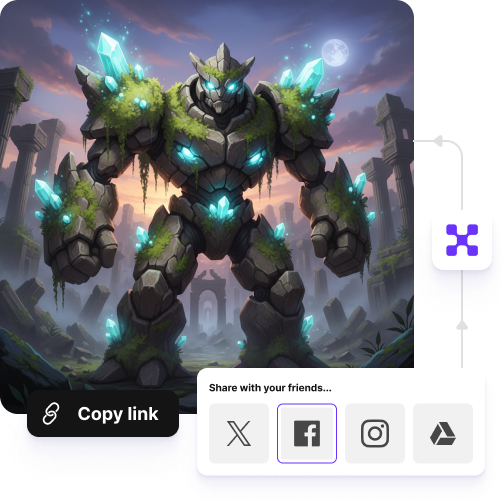
Instant sharing

Copy the generated image URL and share it with your friends, peers, or groups.
Feature 4

AI tools by Pixelbin

Key highlights of the Pokémon character AI generator

Benefits of using the AI Pokémon generator

  • Become the architect of new species: You can describe exactly what a never-before-seen creature looks like and see it manifest instantly. It’s the ultimate way to create "Fakémon" without needing to draw a single line. Use the AI Pokémon art generator to bring your ideas to life.
  • Design your dream team: You can create specific scenes that feature your preferred Pokémon character when you use this tool to generate custom scenes. You have complete control over the atmosphere of your choice, which shows a Charizard in a snowy forest and a Pikachu in a futuristic city.
  • Bridge the gap between idea and art: If you’ve got a vision for a custom trainer or a legendary beast but lack the technical art skills, our AI tool can act as your hands. You provide the creative direction through your description, and the tech handles the shading, anatomy, and style.
  • Explore different eras of style: The AI lets you experience past times through different prompt inputs. The system allows you to view a new creature through its 90s soft hand-drawn style or its hyper-realistic 3D design, which appears as part of a live-action movie.
  • Supercharge your storytelling: For writers and world-builders, these images provide a visual anchor. Having a high-quality reference of the characters and landscapes you're writing about makes the world feel more tangible and helps you share that vision with others.
  • Create one-of-a-kind digital assets: You can generate completely unique icons, channel banners, or profile pictures that no one else has. Since the images are built from your specific prompts, your digital presence will be as original as your imagination. Use the AI Pokémon generator free for effortless creation.

Use cases of our AI Pokémon generator

1. Unique "Fakémon" lore

The AI Pokémon generator enables you to create an entire custom Pokédex, which you can use for tabletop gaming or storytelling purposes. You can create your own special region by inventing new species by combining elemental combinations with their associated physical characteristics.

2. Concept art for fan games

The AI Pokémon generator lets you create character designs together with environmental backdrops and item icons to test their visual appearance before you start the time-consuming work of creating pixel maps.

3. Themed channel branding

If you are a content creator, you can try the tool to create customized assets for your channels. Generate Pokémon-inspired banners, emoticons, and profile pictures to maintain a professional brand identity for your business.

4. Aesthetic "what-if" exploration

Try different styles, such as "Studio Ghibli Snorlax" or "Tim Burton Gengar," to see how the same Pokémon looks in unique interpretations.

How to get the best results using the AI Pokémon generator.0

Below are some of the ways of getting the best results using the AI Pokémon generator.

  • Describe your Pokémon clearly, including type, color, features, and powers.
  • Mention special traits like tails, wings, horns, or elemental glows.
  • Specify the style you want, like cartoon, anime, or realistic.
  • Keep prompts short and simple, but include important details.
  • Experiment with different combinations to see new and unique results.
  • Preview your Pokémon before saving to make sure it looks just right.

FAQs

Here are some of the most common questions about our Best AI Pokémon generator. If you can’t find the information you need, contact us at support@pixelbin.io or refer to our documentation for more details.

Yes, you can generate Fakémon from text. Just describe your own made-up creature clearly, including its type, colors, powers, and personality. The AI will turn your idea into a new character.
Yes, you need to add the character name, type, HP, attacks, and special abilities. The image maker will arrange everything in a card format for you.
Include clear and specific details in your prompt. Mention the creature’s type, body shape, colors, size, expression, powers, and any special features like wings, flames, or armor. The clearer your description, the better the result.
Yes, Pixelbin offers free access to try the tool. However, you need to purchase additional credits on a pay-as-you-go basis.
Describe real animal features, textures, lighting, and natural colors to generate realistic avatars or characters. To make it look more cartoon-like, use words like cute, bright colors, big eyes, soft shading, and simple shapes.
Edit images in seconds, not hours
Get pixel-perfect results just with your words
Start editing with AI