


Support jpg/jpeg/webp/png, up to 10MB
/Ai_tool_graphics/1980s_AI_photo_trend/male_.webp)
/Ai_tool_graphics/1980s_AI_photo_trend/female.webp)
/Ai_tool_graphics/1980s_AI_photo_trend/I_will_do_WordPress_website_development_rebuild_WordPress__.webp)
/Ai_tool_graphics/1980s_AI_photo_trend/prompt_images/classic_1980s_studio_potrait_.webp)
/Ai_tool_graphics/1980s_AI_photo_trend/prompt_images/call_ePrEuCJyfbxxdDl4P0waTnh9.webp)
/Ai_tool_graphics/1980s_AI_photo_trend/prompt_images/Codex_Image_10_Sept_2026__15_07_04.webp)
/Ai_tool_graphics/1980s_AI_photo_trend/prompt_images/03-retro-street-style-look.webp)
/Ai_tool_graphics/1980s_AI_photo_trend/prompt_images/04-1980s-college-student.webp)
/Ai_tool_graphics/1980s_AI_photo_trend/prompt_images/07-1980s-cinema-star-aesthetic.webp)
/Ai_tool_graphics/1980s_AI_photo_trend/prompt_images/08-casual-1980s-holiday-photograph.webp)
/Ai_tool_graphics/1980s_AI_photo_trend/prompt_images/10-old-photograph-found-in-an-album.webp)
/Ai_tool_graphics/1980s_AI_photo_trend/prompt_images/06-1980s-wedding-photograph.webp)
/Ai_tool_graphics/1980s_AI_photo_trend/prompt_images/Codex_Image_10_Sept_2026__14_51_36.webp)
/Ai_tool_graphics/1980s_AI_photo_trend/prompt_images/call_kDbuRhCxwVpZuP6d4FGudg5c.webp)
1980s AI photo trend
1980s AI photo trend maker
Want a 1980s photo of yourself? Turn any photo into an authentic retro portrait with period fashion, warm tones, classic hairstyles, and realistic film grain.
/Ai_tool_graphics/1980s_AI_photo_trend/exec-fbee820d-cc7c-4e5e-8198-8a6cef03f667.png)
/Ai_tool_graphics/1980s_AI_photo_trend/couple-smiling-posing-embraced-cropped.webp)
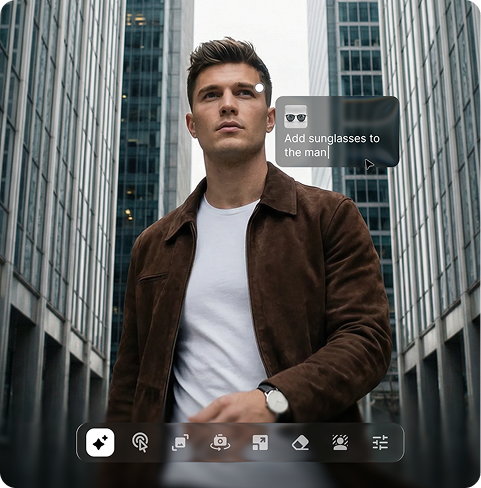
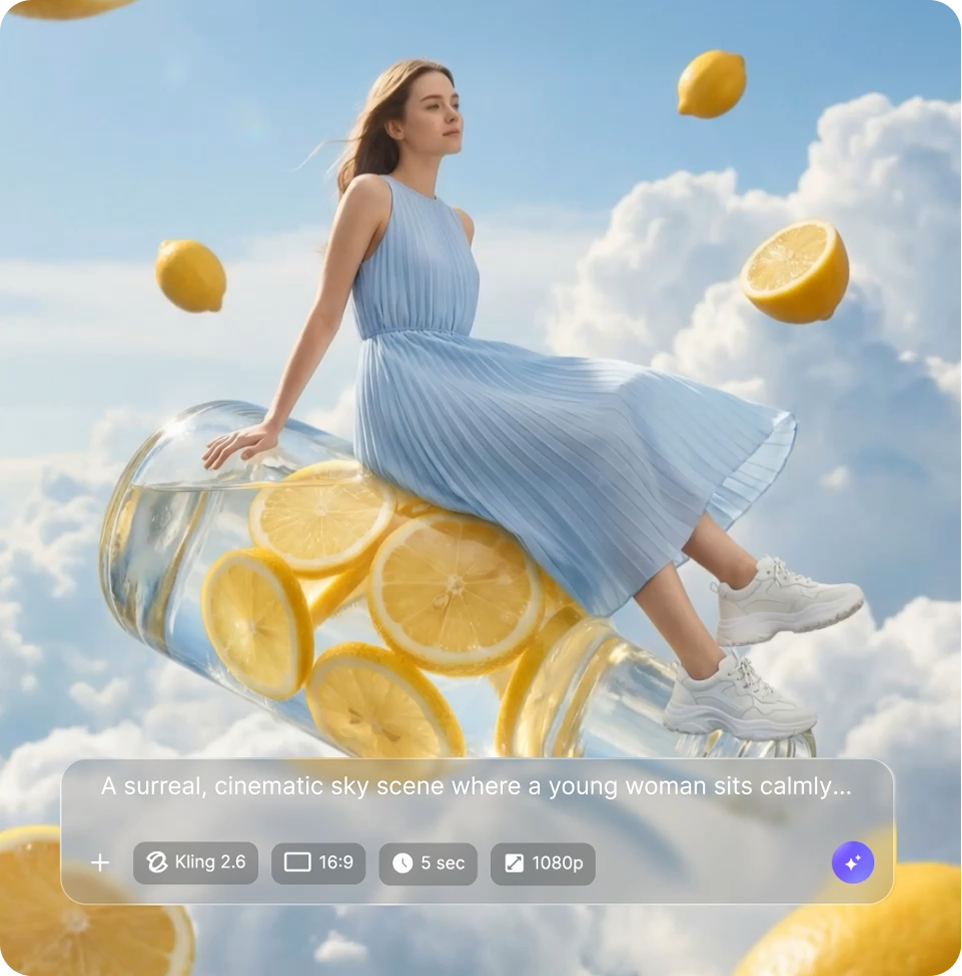
How to use Pixelbin's 1980s AI photo trend image generator?

Upload your photo
Start with a clear selfie or portrait in JPEG, JPG, WEBP, or PNG where your face is clearly visible.

Choose a style or add a prompt
Pick from ready-made templates, or write a short custom 1980s photo prompt if you have a specific look or setting in mind

Pick the image model and generate
Select the image model and the ratio for your final photo. Click generate and save your photo in HD.
Why use Pixelbin's 1980s AI photo generator?
Authentic film grain
Add natural film grain and texture to give your retro portraits the feel of an old photograph.
Period-accurate styling
Match your clothes, hairstyles, accessories, and other details to the decade you choose.
Retro backgrounds
Remove existing backgrounds and replace them with vintage homes, streets, studios, cars, and other details from the 1980s era.
Classic 80s look
Try big hair, funky shades, dramatic poses, and bold styling for a classic 80s-inspired photo.
Face mapping
Let the 1980s AI image generator analyze your features and keep your face recognizable in the final image.
Image upscaling
Enhance your generated image by up to 8X for sharper, clearer results when you share or print it.
1980s AI photo generator built for every kind of throwback
Recreate the look of another era. Try bold 80s fashion, softer 90s styling, or the early-2000s aesthetic. Change the clothes, setting, colors, and overall mood to match the decade you have in mind.
Multiple decades to choose from
Start with the 80s or explore styles inspired by the 1990s or 2000s AI photo trend, with each era having its own fashion, lighting, colors, and visual style.
Ready-made retro templates
Choose from studio portraits, family albums, or retro street looks instead of starting with a blank prompt
Browser-based
Use the 1980s AI photo trend image generator directly on Chrome, Edge, Safari, or Firefox; no software installation needed
Watermark-free exports
Download your images without marks, logos, or added labels, so you can use them wherever you want.
/Ai_tool_graphics/1980s_AI_photo_trend/prompt_images/group/call_dzNAkxjX6GZgMa3gVbw2Nu1D.webp)
Key highlights of Pixelbin's 1980s AI photo trend image generator
/pixelbin_blogs/PB_2.0/Related_apps_tumbnail/Thumbnail_(8)-transformed.webp)
/pixelbin_blogs/PB_2.0/Apps_Graphics/AI_Art_Generator/Thumbnail_30.png)
/pixelbin_blogs/PB_2.0/Apps_New_design_graphics/AI_Headshot_generator/thumbnail_(3).webp)
/pixelbin_blogs/PB_2.0/Apps_Graphics/video_generator/Graphics/Thumbnail.png)
Key highlights of Pixelbin's 1980s AI photo trend image generator
Benefits of the 1980s AI photo generator
- Fast turnaround: Create a finished retro photo in seconds instead of arranging a photoshoot or searching through old albums.
- Easy for anyone: Upload a photo, choose a style, and generate photos of yourself without editing skills or experience with complicated prompts.
- Trend-ready output: Create a retro-inspired image that is ready to share on social media, use as a profile picture, or simply keep for yourself.
- High-quality downloads: Get sharp, clean photos that look clear on digital platforms and hold up well when printed.
- Cost-friendly option: Create your chosen retro look without paying for a studio session, props, costumes, or professional photography.
Use cases for 1980s AI image trend photo generator
- Instagram trend posts: Turn your photos retro for a scroll-stopping post, right when the viral 80s AI photo trend is at its peak.
- Profile picture refresh: Swap a tired profile photo for one with a lot more retro aesthetic and personality behind it.
- Celebrity-style transformations: Take inspiration from the South actresses' 80s AI trend and recreate a classic Indian cinema-inspired look with your own photo.
- Personal keepsakes: Turn a modern picture into something that looks like it belongs in an old collection of vintage photos.
- Theme party invites: Create an 80s-inspired photo for retro-themed party invitations, event posts, or digital invitations.
1980s photo prompt ideas to try
You do not need to write a complicated prompt to create a retro image. Start with a simple idea and add details such as the setting, clothing, hairstyle, lighting, or mood you want. If you want a 1980s photo of yourself, below are a few ideas you can try in your prompts:
- Studio portrait: Try dramatic lighting, feathered hair, a plain backdrop, and a classic studio pose for a traditional 80s portrait.
- Street style: Use one of the popular 1980s retro prompts with denim jackets, neon signs, vintage cars, or an outdoor setting for a more candid look.
- Family album: Ask for soft focus, warm tones, natural poses, and an old-camera feel to recreate the charm of family albums.
- Big hair and bold shades: Bring in big hair, funky shades, dramatic poses, and other playful details for a stronger 80s feel.
- Bollywood style: Try a 1980s Bollywood style inspired by classic Indian cinema, with traditional clothes, period hairstyles, jewelry, and dramatic styling.
- Keep the background period-appropriate: Mention a 1980s setting with no modern vehicles, buildings, signs, phones, or other contemporary objects to keep the whole image consistent with the era.
How to get the best results with the 1980s AI photo generator
- Start with a clear selfie where your face is easy to see and well-lit.
- Use a front-facing photo, or one that is only slightly angled, for a more natural result.
- Choose a style that matches the kind of photo you want to create.
- Avoid heavily filtered or edited source photos, as they can affect the final result.
- If you want a particular mood, outfit, background, or setting, mention it in your prompt and keep your instructions short and specific.
- For outdoor or detailed scenes, specify no modern architecture, contemporary vehicles, mobile phones, or other present-day objects if you want a stronger 1980s feel.
- AI can sometimes alter small details such as fingers, jewelry, facial features, or text in the background, so check the details before sharing your final image.
- If the first result is close but not quite right, change one detail at a time and generate again.
FAQs about 1980s AI photo trend
Edit images in seconds, not hours
Get pixel-perfect results just with your words
Start editing with AI