PixelBin logo
Image generator is here -   Create Now   and Claim 30% off on Pro Plans. Use code SALE30 at checkout.   Claim Discount

AI real estate headshots generator

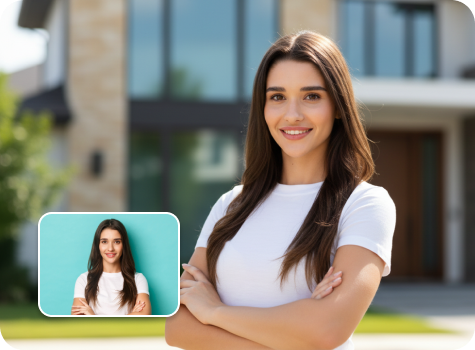
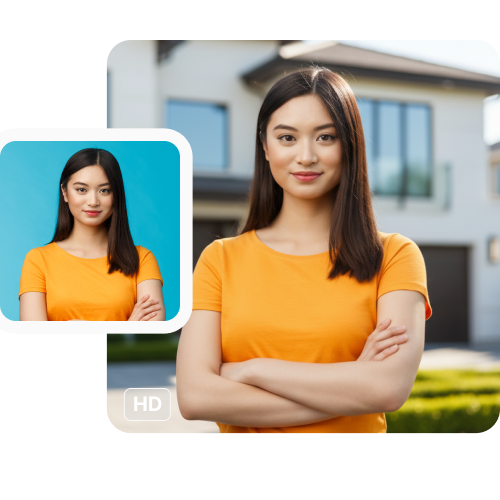
Create consistent, brand-aligned portraits for agent directories, brochures, and marketing campaigns in just one upload.

pregnant filter tool preview

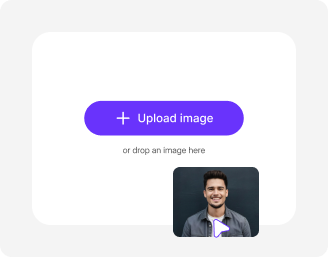
File should be less than 10MB

or paste URL

Before
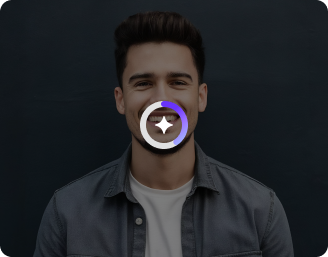
Loading

AI Magic in progress
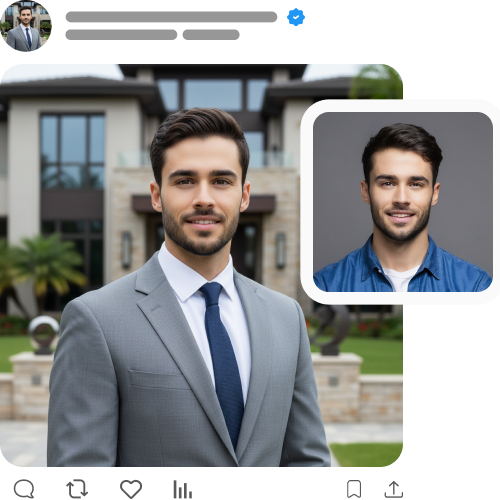
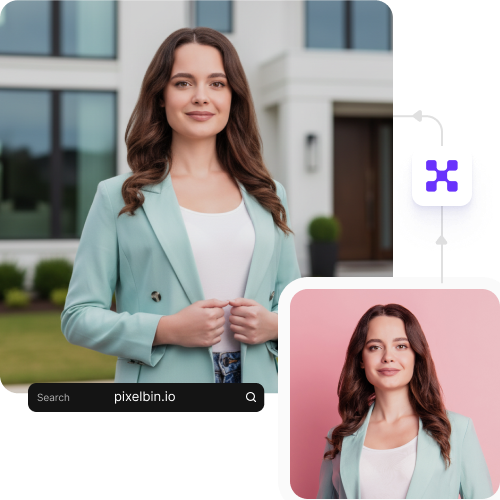
Generating a clean, professional realtor headshot with polished lighting

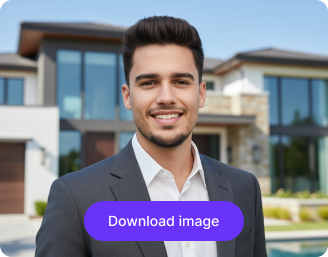
After

Your real estate headshot is ready!

Edit image with AI
Get 🔥 free credits for image editing, upscaling, generation and more
Generate another headshot
Generation Failed

There was some issue on our end. Please try again.

Try Again
Show case

How to take real estate headshots with Pixelbin?

1
Add your image
Paste a URL or upload your photo in any of these formats: JPG, JPEG, PNG, or WEBP.
2
Wait for AI processing
Pixelbin automatically generates your headshot without any manual editing required.
3
Download your image
Preview & download the headshot for free, without watermarks or any hidden costs.

Why use Pixelbin’s AI real estate headshot generator?

Multiple image formats
Upload images in common formats such as JPG, JPEG, PNG, or WEBP.
Batch editing
Process multiple images at once with API to save time and improve workflow efficiency.
Easy accessibility
Use the tool from any device with a browser and an internet connection.
Free HD downloads
Download your edited headshot image in HD without watermarks or extra costs.
No sign-up required
Access the tool instantly without logging in or entering payment details.
Complete privacy
Your images are processed on secure servers & never shared with anyone.

Generate clean, consistent headshots for real estate profiles

Create ready-to-use headshots for real estate agents for LinkedIn, websites, business cards & social media, with Pixelbin’s AI editor.

Instant studio-quality results

Turn a clear photo into a professional headshot within seconds with automatic, studio-style enhancement.

Sailling ship of sketche to image
Ideal for every platform

Create high-quality headshots suitable for listing sites, real estate flyers, email signatures, Instagram, LinkedIn, and more.
Mountain sketch to image
Free trials for everyone

Generate up to three realtor headshots each month for free and upgrade anytime for more credits or API access.

Sketch hot air baloon to image generator
Browser-based editor

Use the real estate headshot generator directly from your browser on any device without downloading software or mobile apps.
sketch to image in HD-resolution pictures

AI tools by Pixelbin

Key highlights of Pixelbin’s AI real estate agent headshot generator

What sets it apart?

Generate clean, consistent headshots for real estate agents in seconds. Here’s what you get:

  • Consistent results: Ensure all headshots look uniform across profiles, listings, and marketing materials.
  • No watermarks: Download your realtor-ready portrait in HD without logos or marks.
  • Bulk-ready: Create team-wide realtor portraits using Pixelbin’s API support.
  • Cost-effective: Avoid expensive photoshoots while still getting the best real estate headshots.
  • Privacy-first: All photos are encrypted, processed securely, and never shared with anyone without your consent.

Use cases of tools to generate real estate headshots free

Pixelbin’s AI headshot maker turns your casual selfies and portraits into professional headshots, perfect for different use cases. Here are some of the places you can use this tool:

1. LinkedIn & professional networks

Update your LinkedIn profile with an authoritative, modern real estate headshot to build trust and stand out to clients, colleagues, and referral partners.

2. Real estate listings

Build instant trust with potential buyers and sellers by adding a clear and professional headshot to your real estate listing profiles. Using friendly, high-quality photos makes you look more approachable and reliable, encouraging clients to reach out.

3. Agency websites

Create a professional "Our Team" or "Agents" page using Pixelbin’s AI headshot generator. Use our API to process photos for all your headshots, ensuring a consistent and trustworthy brand image across your site.

4. Business cards & marketing materials

Get a high-resolution image ready for all your print needs with our AI editor. Use your new headshot on business cards, flyers, open house postcards, and "For Sale" signs to ensure your brand looks consistent everywhere.

5. Real estate broker profiles

Ensure you look credible and up-to-date on all official registries, like the National Association of Realtors (NAR) or your local broker network. A professional headshot presents you as a serious, established agent in all official directories.

6. Email signatures

Add a professional touch to every email you send. A good headshot in your signature makes your communication feel more personal and builds a layer of trust before you even meet with the client.

How to get the best results from professional headshot generators for realtors?

Follow these simple tips to ensure you generate the best-looking professional headshot from our tool:

  • Use a bright, high-resolution image with your face in clear focus.
  • Face toward the camera or keep a slight angle for a natural, professional lookAvoid sunglasses, hats, or anything that hides your face.
  • Choose a simple background for the original photo to get the cleanest results.
  • Keep a friendly and approachable expression to match real estate headshot standards.
  • Make sure only one person is present in the uploaded image.
  • Try to use photos with simple backgrounds to help the AI detect the subject faster.

FAQs

Here are some of the most commonly asked questions about our AI Real Estate Headshot Generator. If you still can’t find what you’re looking for, you can reach out to us at support@pixelbin.io or refer to our documentation for more details.

Pixelbin lets you create up to three HD realtor headshots every month, for free, even without signing up. If you need more, you can sign up to get ten free credits or upgrade to a premium plan anytime for extra perks and additional credits.
No. Pixelbin is entirely web-based. You can use it directly in browsers like Chrome or Safari on your computer or mobile device without installing any apps.
After you upload your photo, it is handled on Pixelbin’s secure servers for processing. Pixelbin respects your privacy and never shares your uploaded image with third-party websites without your consent.
Not at all. You don't need any prompt-writing skills. The entire process is automatic. Just upload your image, and our AI will generate a professional headshot for you in seconds.
Yes. Images up to 10 MB should work as long as they’re in the mentioned file formats (JPG, JPEG, WEBP, or PNG).
Edit images in seconds, not hours
Get pixel-perfect results just with your words
Start editing with AI