PixelBin logo
Black Friday offer is live now. Flat 30% on all annual plans. Use code at checkout - BF30. Claim Now

AI Christmas headshot generator

Transform any photo into a festive, high-quality holiday portrait with automatic styling, cleanup, and lighting.

Christmas headshot generator

File should be less than 10MB

or paste URL

Upload a bright, well-lit portrait to get the best Christmas-style headshot.

Before
Loading

Creating Christmas headshot...
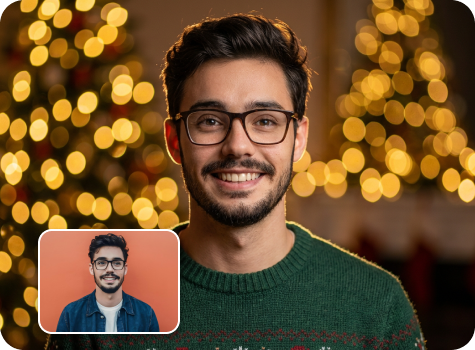
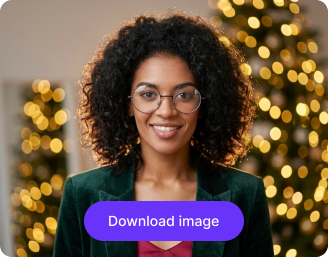
Adding warm bokeh lights, festive background, and cozy styling with AI

After

Your Christmas headshot is ready!

Download your festive headshot

Edit image with AI

Refine background, lighting, and outfit details in our AI editor

Create another Christmas headshot
Generation Failed

There was some issue on our end. Please try again.

Try Again
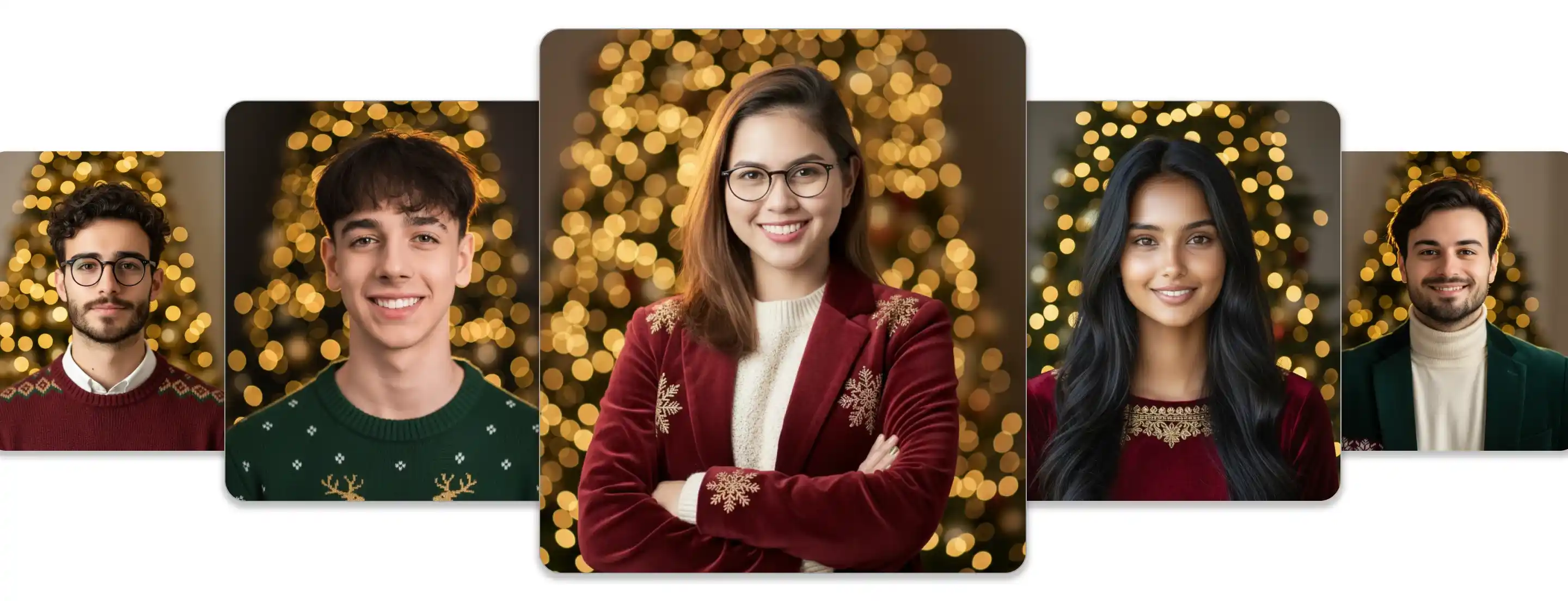
Show case

How to create your Christmas headshot with Pixelbin?

1
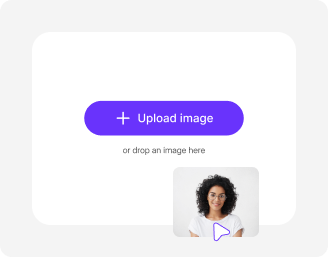
Add your image
Paste a URL or upload your photo in any of these formats: JPG, JPEG, PNG, or WEBP.
2
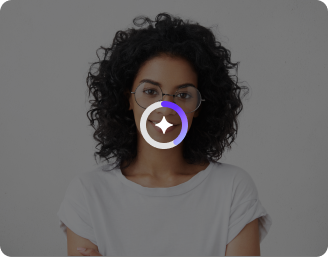
Wait for AI processing
Pixelbin automatically generates your Christmas headshot without any manual editing required.
3
Download your image
Preview & download your image for free, without watermarks or any hidden costs.

Why use Pixelbin’s free Christmas headshot generator?

Multiple image formats
Upload images in popular formats such as JPG, JPEG, PNG, or WEBP.
Batch editing
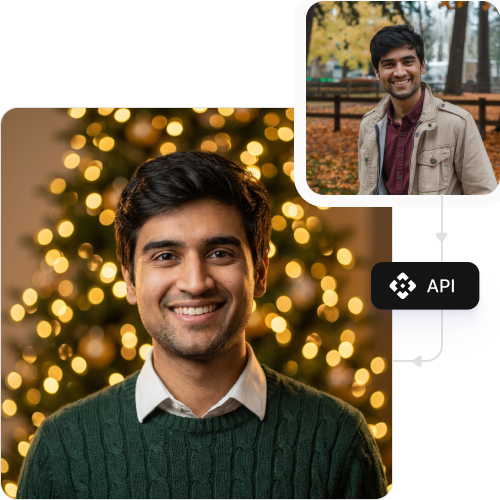
Process multiple images at once with API support to save time and improve workflow efficiency.
Easy accessibility
Use the Xmas headshot generator tool from any device with a browser and an internet connection.
Free HD downloads
Download your Christmas headshots in high definition without watermarks or extra costs.
No sign-up required
Access the tool instantly without logging in or entering payment details.
One-click result
Create a Christmas-themed avatar from your photo in seconds with a single click.

Create a Xmas headshot in one click

Generate a high-quality Christmas-themed portrait instantly with Pixelbin’s AI editor.

One-click result

Create a Christmas-themed avatar from your photo in seconds with a single click.

Feature 1
Versatile for any channel

Design perfectly sized Christmas avatars for LinkedIn, Instagram, Facebook, or even printed holiday cards.
Feature 2
Free trials for everyone

Generate up to three Christmas avatars each month for free and upgrade anytime for more credits or API access.

Feature 3
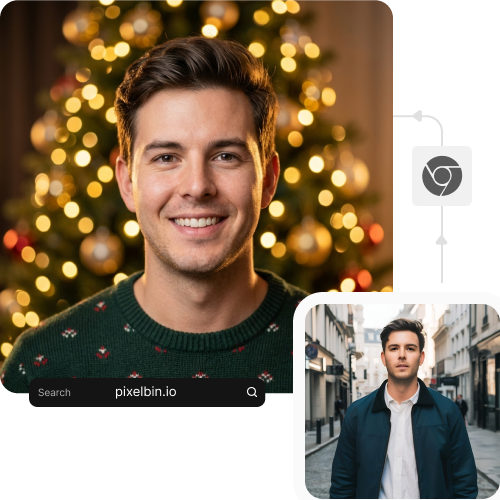
Browser-based editor

Access the avatar generator directly from your browser on any device without downloading or installing software.
Feature 4

AI tools by Pixelbin

Key highlights of the Christmas headshot generator

What makes it stand out?

With Pixelbin’s AI editor, you can easily add festive charm to your portraits. Here are some of its benefits:

  • No quality loss: Your generated headshot preserves the same resolution as your original photo.
  • No watermarks: Download your image in HD without any distracting watermarks.
  • Instant sharing: Get a holiday-ready picture you can post across all your social platforms.
  • Cost-effective: A perfect solution for creating holiday cards without a professional photoshoot.
  • Bulk-ready: Generate multiple christmas headshots in one go using Pixelbin’s API (available in premium plans).

Use cases of Christmas headshot generator free tool

Here are some of the ways you can use this tool:

1. Create festive social media profiles

You can update your Instagram, Facebook, or Twitter profile picture to show your holiday spirit. Our AI photo generator creates a fun image that stands out on your feeds.

2. Generate a professional holiday headshot

Add a snowy Christmas photo background to your LinkedIn photo or a touch of holiday color to look professional yet approachable during the holiday season.

3. Design digital Xmas cards

Using the Christmas AI generator free tool, you can create a personalized photo for your family's digital e-card. Instead of a full family photoshoot, just upload individual headshots and let our AI create a festive look for everyone.

4. Update gaming & community avatars

Refresh your Discord or Twitch avatar for holiday-themed streams or server events. Our headshot generator tool can give your gaming persona a fun, seasonal makeover that matches the holiday season.

5. Unify team & company Slack icons

Encourage team spirit during the holidays by creating headshots for everyone. You can use our bulk-editing API to create branded, festive avatars for your entire company's Slack, Teams, or internal directory.

How to get the best results from Xmas headshot generator free tools?

Follow these simple tips to ensure you generate the best-looking holiday portrait from our tool:

  • Upload a clear, high-quality photo where your face is well-lit and in focus.
  • Make sure you are facing forward so the AI can add festive elements to it.
  • Avoid photos that are blurry, too dark, or have objects (like hands) covering your face.
  • A simple, plain background in your original photo often yields the best results.
  • Ensure only one person is in the frame for a clean headshot transformation.

FAQs

Here are some commonly asked questions about our AI Christmas Headshot Generator. If you still can’t find what you’re looking for, you can reach out to us at support@pixelbin.io or read our documentation for more details.

Pixelbin offers a free plan that lets you create up to three HD headshots every month. If you need more, you can sign up to get ten free credits or upgrade to a premium plan anytime for extra perks and additional credits.
No. Pixelbin’s AI Christmas photo free tool is entirely web-based. You can use it directly in browsers like Chrome or Safari on both desktop and mobile devices without installing any apps.
After you upload your photo, it is handled on Pixelbin’s secure servers for processing. Pixelbin never shares your uploaded image with third-party websites and respects your privacy.
No, you don’t need to write prompts or give any manual instructions to our Christmas headshot generator free tool. The entire process is automatic. Just upload your image and get your festive season headshot in HD quality within a few seconds.
Yes, files up to 10 MB should work as long as they’re in the mentioned file formats (JPG, JPEG, WEBP, or PNG).
Edit images in seconds, not hours
Get pixel-perfect results just with your words
Start editing with AI