PixelBin logo
🚀 Pixelbin 3.0 - Trt GPT 2.0, Seedance 2.0 and more now  FREE TRIAL - Click here
PixelBin MCP · works with Claude, Codex, Cursor and every MCP-compatible client

Pixelbin MCP for Image and Video Generation and Editing.

Connect PixelBin to any MCP-compatible AI client and unlock PixelBin’s full predictions catalogue — image generation, video generation, background removal, watermark cleanup, upscaling, restoration, colourisation, and more — right from your conversation. Outputs come back as CDN URLs, with one call to persist them permanently to your PixelBin storage.

Full PixelBin predictions catalogue
One call to persist outputs to your PixelBin CDN
OAuth-based auth — no API keys to copy

How to connect

Pick your client. Every config below is copy-paste — the MCP server handles auth.

Claude Desktop install illustration
Claude
Settings → Connectors → Add custom connector. Name it PixelBin and paste the URL below. Click Add → Connect, sign in with your PixelBin account.
https://mcp.pixelbin.io/mcp
OpenAI Codex install illustration
Codex
Copy this prompt and send it in your agent's chat to start the connection
Connect the PixelBin MCP at https://mcp.pixelbin.io/mcp — it supports OAuth
device flow, discovery at https://mcp.pixelbin.io/.well-known/oauth-authorization-server.
Run the device flow and send me the link like: Authorize here:
https://console.pixelbin.io/device?user_code=XXXX-XXXX. Then poll the token
endpoint until I authorize and confirm once it succeeds.
Cursor install illustration
Cursor
Copy this prompt and send it in your agent's chat to start the connection
Connect the PixelBin MCP at https://mcp.pixelbin.io/mcp — it supports OAuth
device flow, discovery at https://mcp.pixelbin.io/.well-known/oauth-authorization-server.
Run the device flow and send me the link like: Authorize here:
https://console.pixelbin.io/device?user_code=XXXX-XXXX. Then poll the token
endpoint until I authorize and confirm once it succeeds.

What the PixelBin MCP gives your AI client

A full PixelBin media stack — generation, cleanup, enhancement, storage — behind one MCP connection. Your AI client picks the right plugin and operation for each prompt automatically.

Generation plugins

Image generation with nanoBanana, nanoBanana 2, and nanoBanana Pro. Video generation with Sora 2, Veo 3, Veo 3 Fast, Kling 3, Hailuo 2.3, Seedance, LTX-2, and Wan 2.5. Your AI client lists the catalogue, picks a plugin based on the prompt, and runs it as a prediction.


Image and video generation plugins available via MCP
Credit cost preview

Every plugin advertises its credit cost via estimate-prediction-cost. Well-behaved AI clients call it first, surface the cost in chat, and only then run create-prediction. Hard credit limits live server-side — jobs that would exceed your balance are rejected before they consume the bearer.

Credit cost preview surfaced via MCP
Cleanup & enhancement plugins

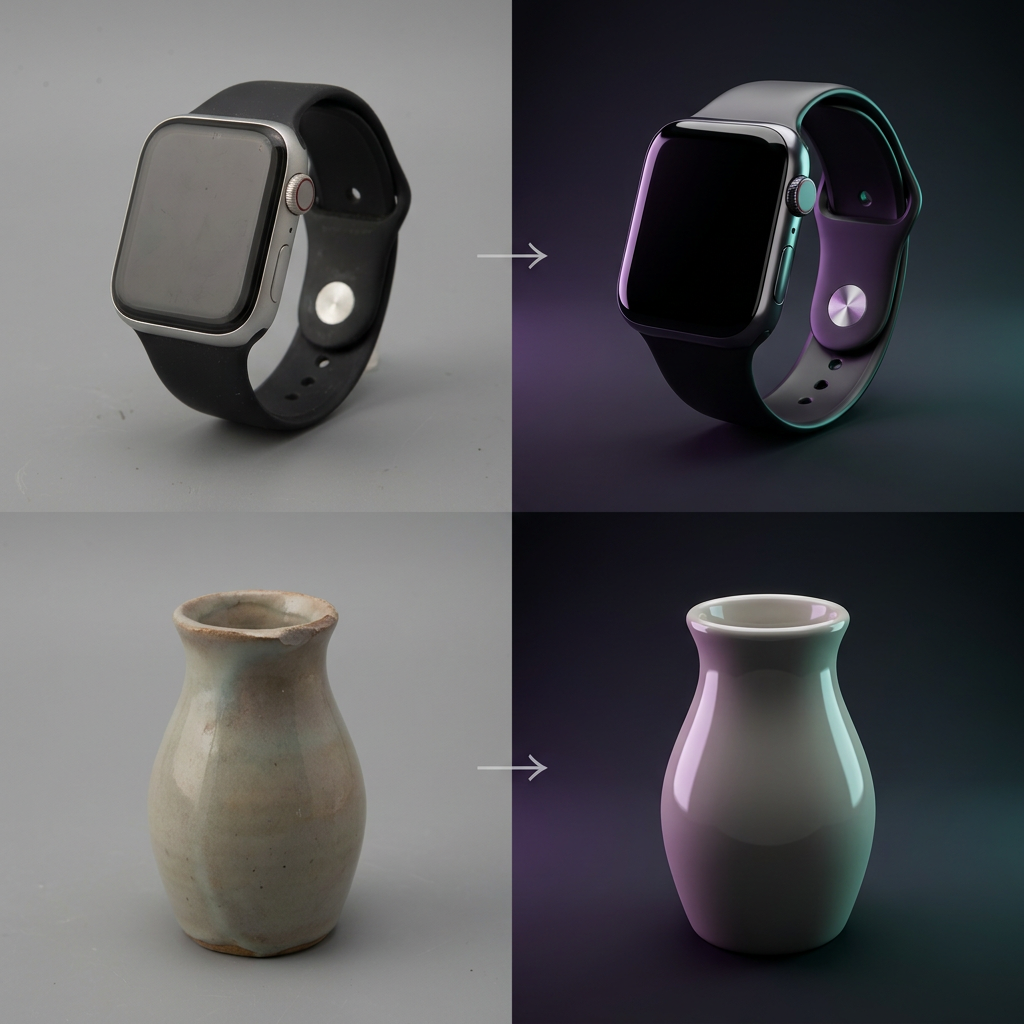
Background removal with foreground-type selector (general, e-commerce, car, human, object). Watermark cleanup on images and videos you own or have rights to edit. Image and video upscaling at 2x, 4x, or 8x. Photo restoration, colourisation, expansion, and relighting.

Cleanup and enhancement plugins available via MCP
Uploads & permanent storage

Need to feed a local file into a plugin? Call request-upload-url for a signed URL, push the file, then pass the returned CDN URL to create-prediction. To keep an output forever, call save-prediction-to-storage — it lands in your PixelBin DAM with a permanent cdn.pixelbin.io URL.

Storage and delivery layer accessed via MCP

The six MCP tools your AI client can call

A small, sharp surface. Together they cover discovery, cost estimation, execution, retrieval, upload, and persistence.

list-predictions
Returns the full catalogue of plugins and operations — generation, cleanup, enhancement, restoration — with their input schemas. Your AI client uses this to pick the right plugin for each prompt.
estimate-prediction-cost
Returns the credit cost for a plugin/operation/inputs combination so your AI client can surface it before running create-prediction. Use it to keep the human in the loop on spend.
create-prediction
Runs the plugin/operation. Image and video inputs must be public HTTPS URLs — use request-upload-url first if the source is local. Returns a prediction id you can poll.
get-prediction
Returns prediction status and output URL once finished. Result URLs are hosted by PixelBin for ~30 days — pair with save-prediction-to-storage to keep them forever.
request-upload-url
Mints a signed PUT URL so the AI client can upload a local image, video, or PDF into the user’s PixelBin storage. Returns a public CDN URL ready to feed into create-prediction.
save-prediction-to-storage
Persists a prediction’s output(s) into the user’s PixelBin DAM as cdn.pixelbin.io URLs. Choose folder path and access level (public-read or private).

What teams build with PixelBin MCP

Five workflows where one MCP connection replaces a stack of point tools.

E-commerce hero shots at scale via MCP
E-commerce hero shots at scale

Generate, clean, upscale, and persist hero shots for Amazon, Shopify, and your storefront from a single AI conversation.

Bulk catalogue cleanup via MCP
Bulk catalogue cleanup

Remove watermarks and unwanted text from images you own or have rights to edit, then save the cleaned outputs to your DAM — all via your AI client.

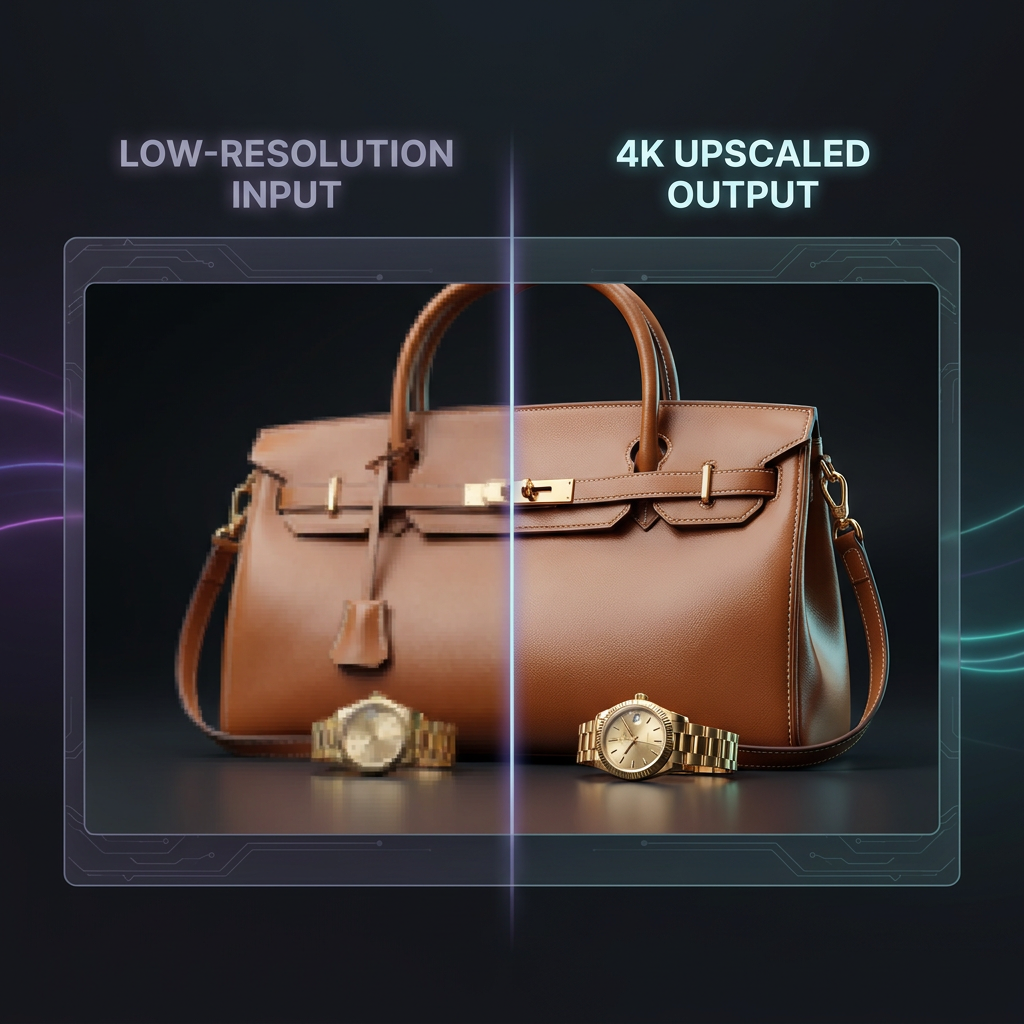
4K upscaling via MCP
4K upscaling for print & marketing

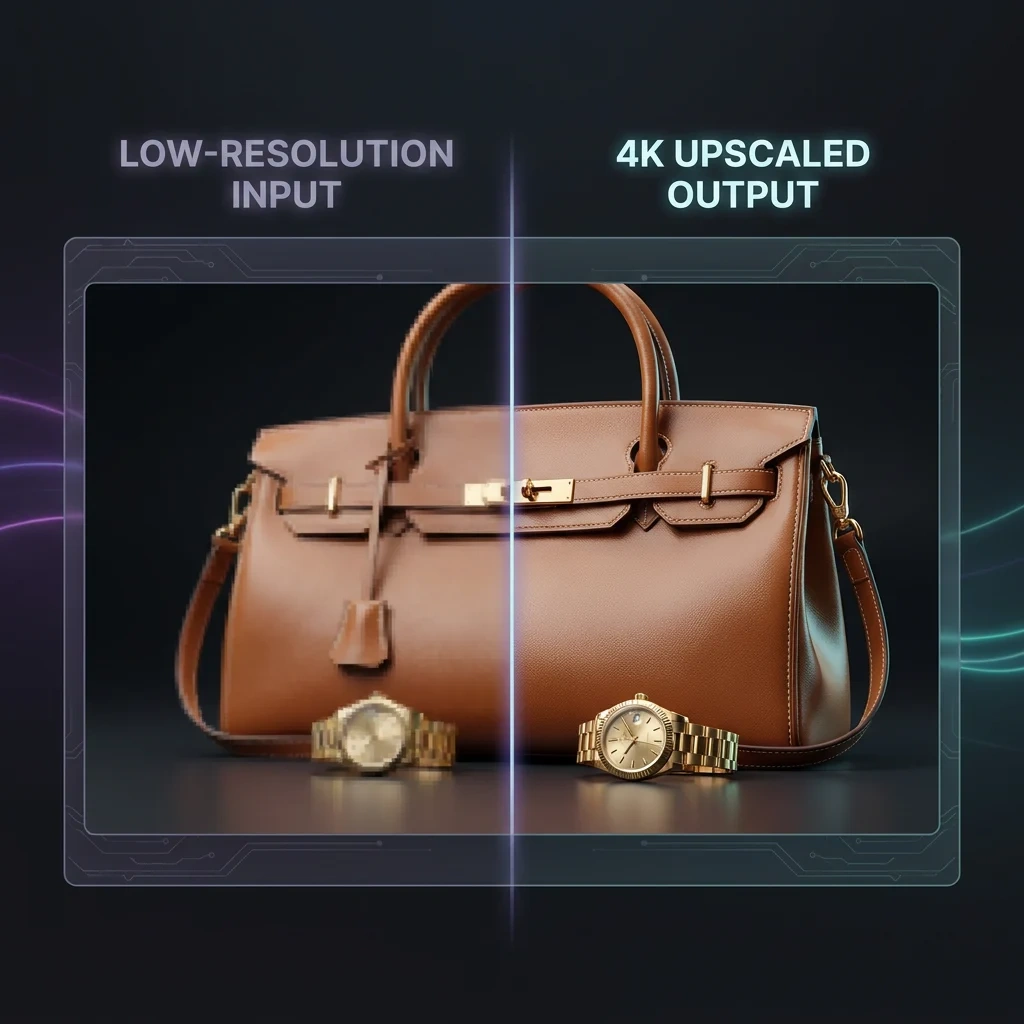
Upscale catalogue and marketing images by 2x, 4x, or 8x for print, billboards, and large-format placements.

AI video generation via MCP
AI video from text or stills

Pick a still as a keyframe, brief a clip with Veo 3, Sora 2, or Kling 3, and persist the result — all from your IDE or chat client.

Photo restoration and colourisation via MCP
Photo restoration & colourisation

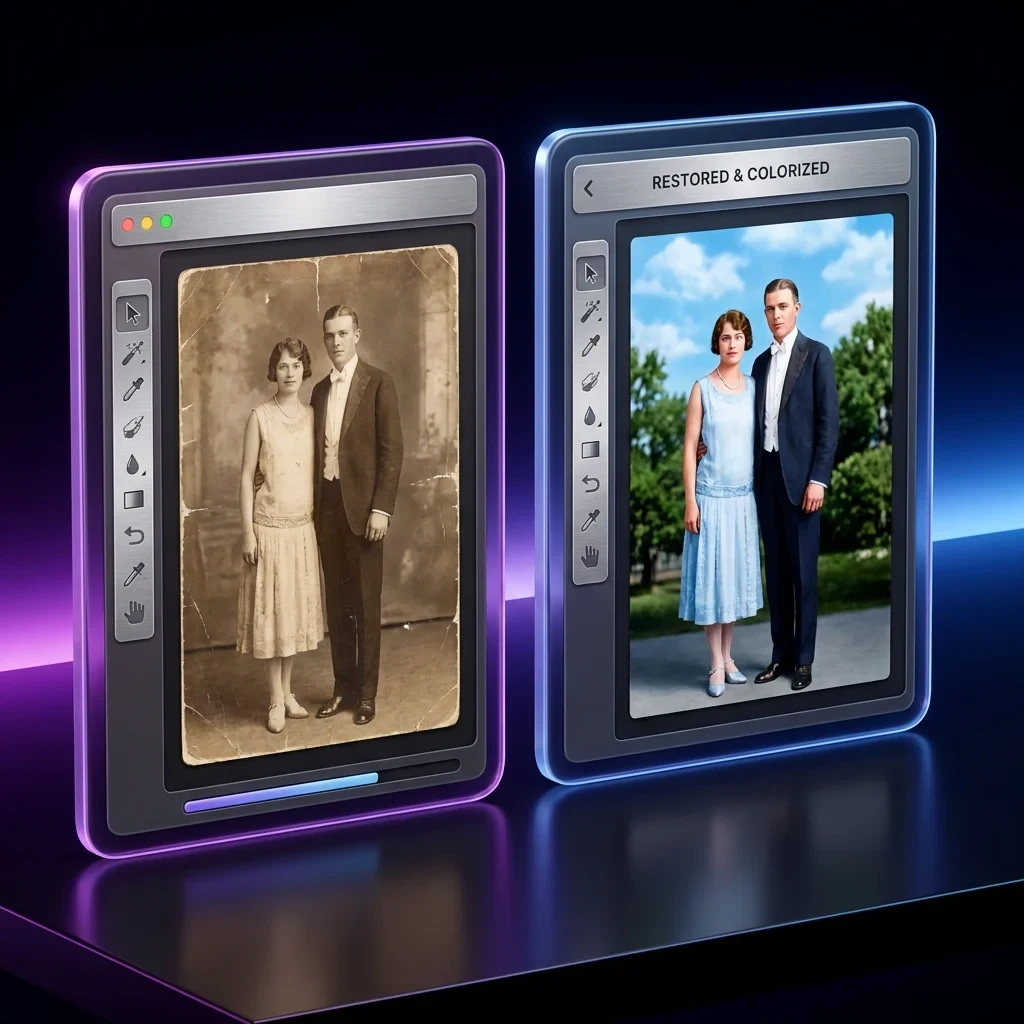
Restore detail in old photographs and colourise black-and-white archives, all reachable from a chat prompt.

A worked example: 12 product photos to marketplace-ready in one chat

Six steps inside Claude, Codex, or any MCP-compatible client. Show More for steps four through six.

1. Add the MCP server
Paste https://mcp.pixelbin.io/mcp into your client’s connector settings. Authenticate with your PixelBin account.
2. Drop your photos
Pass URLs directly, or ask the AI client to upload local files via request-upload-url. Either way the image lands as a public CDN URL ready to feed into a prediction.
3. Type one prompt
“White background, 4K upscale, save the results to my marketplace/ folder.” Your AI client lists predictions, picks plugins, and chains them.
4. Cost preview
Before each plugin runs, your AI client calls estimate-prediction-cost and surfaces the credits required in chat. You confirm; the run proceeds. Out of credits? The server rejects the call before it bills.
5. Persist the outputs
Each prediction id flows into save-prediction-to-storage. Outputs land in your DAM with permanent cdn.pixelbin.io URLs and the access level you chose.
6. JSON of CDN URLs
The chat returns a JSON map of marketplace-ready URLs. Paste into your storefront, ad manager, or content pipeline. Done.

Who PixelBin MCP is for

Different briefs, different deliverables. Same MCP connection.

Indie developers

Add the MCP server to your AI client of choice and your assistant can generate, transform, store, and deliver media without you stitching SDKs. One config line and your conversational workflow gains a media pipeline.

An indie developer using PixelBin MCP from Claude or Codex
E-commerce and catalogue ops

Run bulk catalogue refreshes and marketplace exports straight from chat. Your AI client orchestrates list → estimate → create → save loops; the DAM keeps every output organised under your folder structure.

E-commerce teams running catalogue jobs via MCP
Marketing and creative ops

Concept hero shots, generate ad variants in image and video, produce social-ready cuts, and ship a campaign without leaving the AI conversation. The MCP turns your client into a creative ops layer.

Marketing teams shipping ad creative via MCP
Agencies and freelancers

One MCP, multiple clients. Use folders and tags to keep brand sets separate, signed URLs to share private drafts, and chat-driven runs to deliver a whole catalogue or campaign in one session.

Agencies running multi-client work via MCP

Technical details

For the dev or AI engineer wiring this in.

Transport & auth
JSON-RPC 2.0 over HTTP at POST https://mcp.pixelbin.io/mcp. Two OAuth 2.0 flows: authorization-code with PKCE (RFC 7636) for clients that can host a callback (Claude Desktop, Claude Code), and Device Authorization Grant (RFC 8628) for chat-only or bearer-only clients (paste-prompt agents, Codex CLI, Cursor, custom MCP-SDK consumers). Dynamic client registration (RFC 7591) and discovery via /.well-known/oauth-authorization-server (RFC 8414) + /.well-known/oauth-protected-resource (RFC 9728). No API keys to copy.
Tool surface
Tools follow the MCP tools/list + tools/call spec. Six tools: list-predictions, estimate-prediction-cost, create-prediction, get-prediction, request-upload-url, save-prediction-to-storage. Every plugin in the PixelBin predictions catalogue is reachable through create-prediction.
Output shape
Predictions return an id you poll with get-prediction; the final URL is hosted by PixelBin for ~30 days. Persist forever with save-prediction-to-storage, which returns the permanent cdn.pixelbin.io URL and the credits consumed.

PixelBin tools your AI client can call via MCP

Inside the PixelBin MCP server

Why teams pick the PixelBin MCP

  • One config, every AI client: the same server URL works for Claude (Desktop and Code), OpenAI Codex, Cursor and any MCP-compatible client your team adopts next quarter.
  • No API key juggling: auth flows through your PixelBin account via OAuth 2.0 — authorization-code + PKCE for native MCP clients, device flow for chat-only agents. Your AI client never sees a long-lived secret you minted by hand.
  • Cost preview built in: every plugin advertises its credit cost via estimate-prediction-cost so your AI client can surface it in chat before running. Hard credit limits live server-side — jobs that would exceed your balance fail before they bill.
  • Permanent CDN URLs on demand: raw prediction outputs live ~30 days; save-prediction-to-storage moves them into your DAM with a permanent cdn.pixelbin.io URL and the access level you choose.
  • Stateless protocol shim: the MCP server itself holds no per-user state — auth, plans, credits, and asset history all live in your existing PixelBin account.

What the MCP exposes

  • Image generation plugins: nanoBanana, nanoBanana 2, nanoBanana Pro — reachable through create-prediction.
  • Video generation plugins: Veo 3 Fast, Veo 3, Sora 2, Kling 3, Hailuo 2.3, Seedance, LTX-2, Wan 2.5 — reachable through create-prediction.
  • Cleanup plugins: background removal with foreground-type selector, watermark cleanup, image and video upscaling at 2x / 4x / 8x.
  • Enhancement plugins: photo restoration, colourisation, image expansion, relighting.
  • Six MCP tools: list-predictions, estimate-prediction-cost, create-prediction, get-prediction, request-upload-url, save-prediction-to-storage.

Tips for getting more out of MCP

  • Default to nanoBanana 2 for image generation; switch to Pro only when you need premium quality.
  • For multi-channel exports, run cleanup once, save the result to your DAM, then reuse that one URL across every channel.
  • Use the private access flag in save-prediction-to-storage for any work you don’t want indexed before launch.
  • For video, sketch the shot list first; ask the AI client to estimate cost before committing — clip costs vary widely between Veo 3 Fast and premium models.
  • Local files? Always go through request-upload-url. Raw bytes / base64 / data URLs are not accepted by create-prediction.

Frequently asked questions

For anything else, read the PixelBin docs.

MCP (Model Context Protocol) is an open standard that lets AI assistants call external tools through a uniform JSON-RPC interface. The PixelBin MCP server exposes six tools that, together, give any MCP-compatible client — Claude, Codex, Cursor — access to PixelBin’s full predictions catalogue.
Any client that speaks MCP. Tested with Claude Desktop, Claude Code, OpenAI Codex, Cursor — all use the standard authorization-code + PKCE flow. Chat-only agents that can’t host a callback URL (e.g. Codex CLI in bearer mode, Cline, custom paste-prompt agents) connect via OAuth 2.0 Device Authorization Grant (RFC 8628) instead — same server URL, same outcome. The MCP spec is portable, so new clients pick it up automatically.
No. Add the PixelBin MCP server URL to your client’s settings, then authenticate through your PixelBin account — either via the browser bounce (authorization-code + PKCE) for native MCP clients, or via the device-flow code-entry page (console.pixelbin.io/device) for chat-only agents. Either way the AI client never stores a long-lived secret you minted by hand. Your existing PixelBin plan and credits work seamlessly.
Image generation runs on nanoBanana, nanoBanana 2, and nanoBanana Pro. Video generation runs on Veo 3 Fast, Veo 3, Sora 2, Kling 3, Hailuo 2.3, Seedance, LTX-2, and Wan 2.5. Predictions for background removal, watermark cleanup, image and video upscaling, restoration, colourisation, expansion, and relighting are all in the catalogue. Use list-predictions to enumerate the live set with input schemas.
Two layers. Soft layer: your AI client calls estimate-prediction-cost first and surfaces the credit cost in chat — all major MCP clients (Claude, Cursor, Codex) follow the tool description and do this. Hard layer: the PixelBin platform rejects any prediction that would exceed your credit balance with a 402 before it bills, regardless of what the AI client did. Watch your spend in the PixelBin console; cap it via plan limits.
By default, prediction outputs are hosted by PixelBin for ~30 days at a generated URL. To keep an output forever, call save-prediction-to-storage — it lands in your PixelBin DAM as a cdn.pixelbin.io/v2/<your-cloud>/... URL backed by HTTP/3 edge caching, with a folder path and access level (public-read or private) of your choice.
Yes. Call request-upload-url with the filename; the server returns a signed PUT URL plus the public CDN URL the file will land at. Upload, then pass that CDN URL to create-prediction. Supported formats: image (jpg / jpeg / png / webp / avif / gif / bmp / tiff / tif / heic / heif), video (mp4 / webm / mov / avi / mkv / mpeg / mpg), and pdf.
Yes. Sign up without a card and start with free credits across image generation, video generation, and predictions. Paid plans add more credits, larger DAM capacity, and access to premium models. The MCP itself is included in every plan.
One MCP for all your LLMs.
Connect once. Generate, transform, ship media in any AI client.
Get started free